

DIY / Hardware Projects
These DIY hardware projects help you build useful devices for your desk and your workflow. Ten free, clearly documented projects with parts lists, wiring or architecture notes, source files, and honest validation notes.
 THE STARTER COLLECTION
Explore DIY hardware projects
Explore the original five desk and monitoring builds, then add a monitor riser, microphone station, macro console, local voice speaker, or private AI server.
FREE BUILD
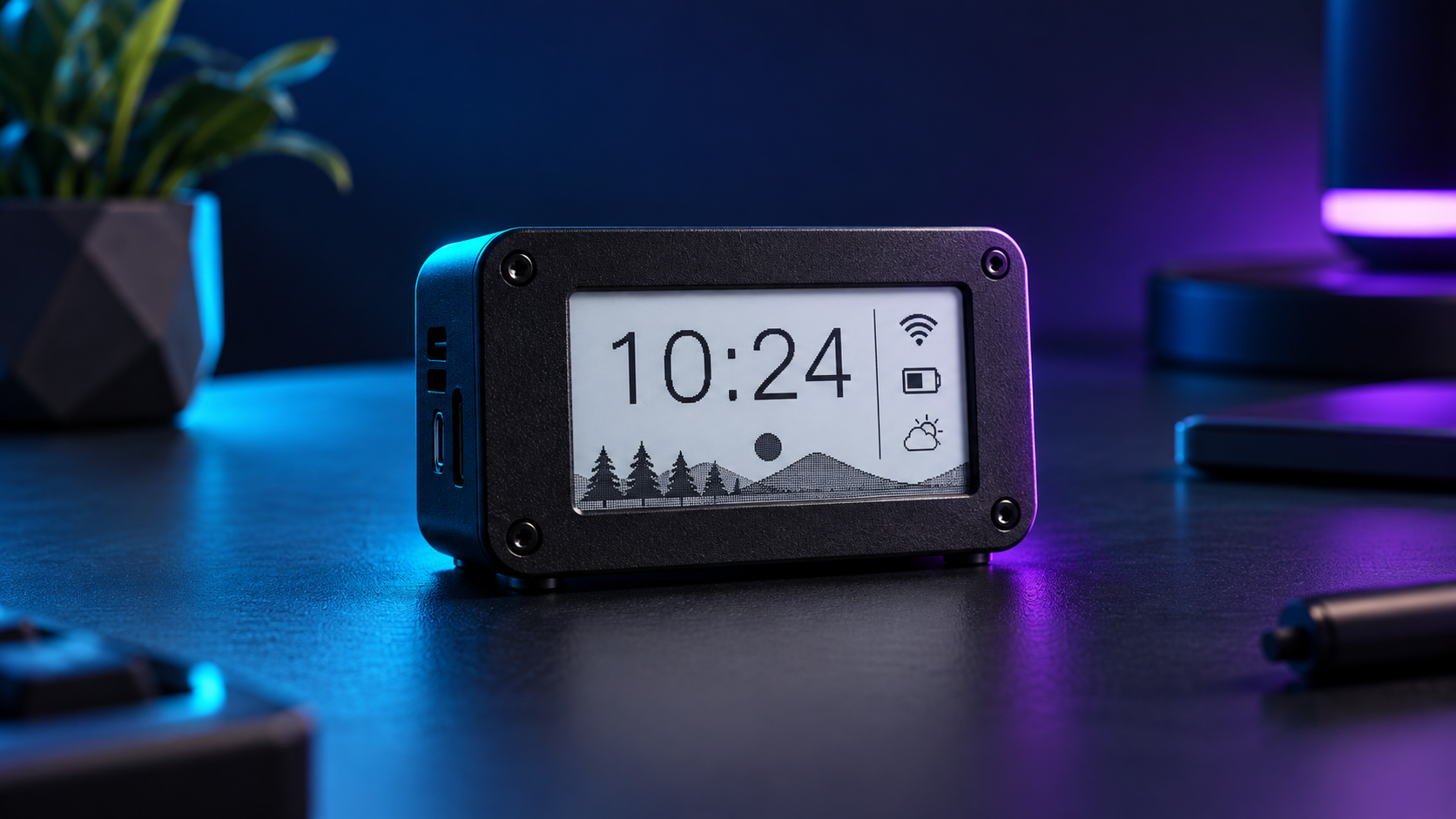
E-Ink Desk Hub
A calm desk display for time and website status, built around a 2.13-inch E-Ink HAT.
 FREE BUILD
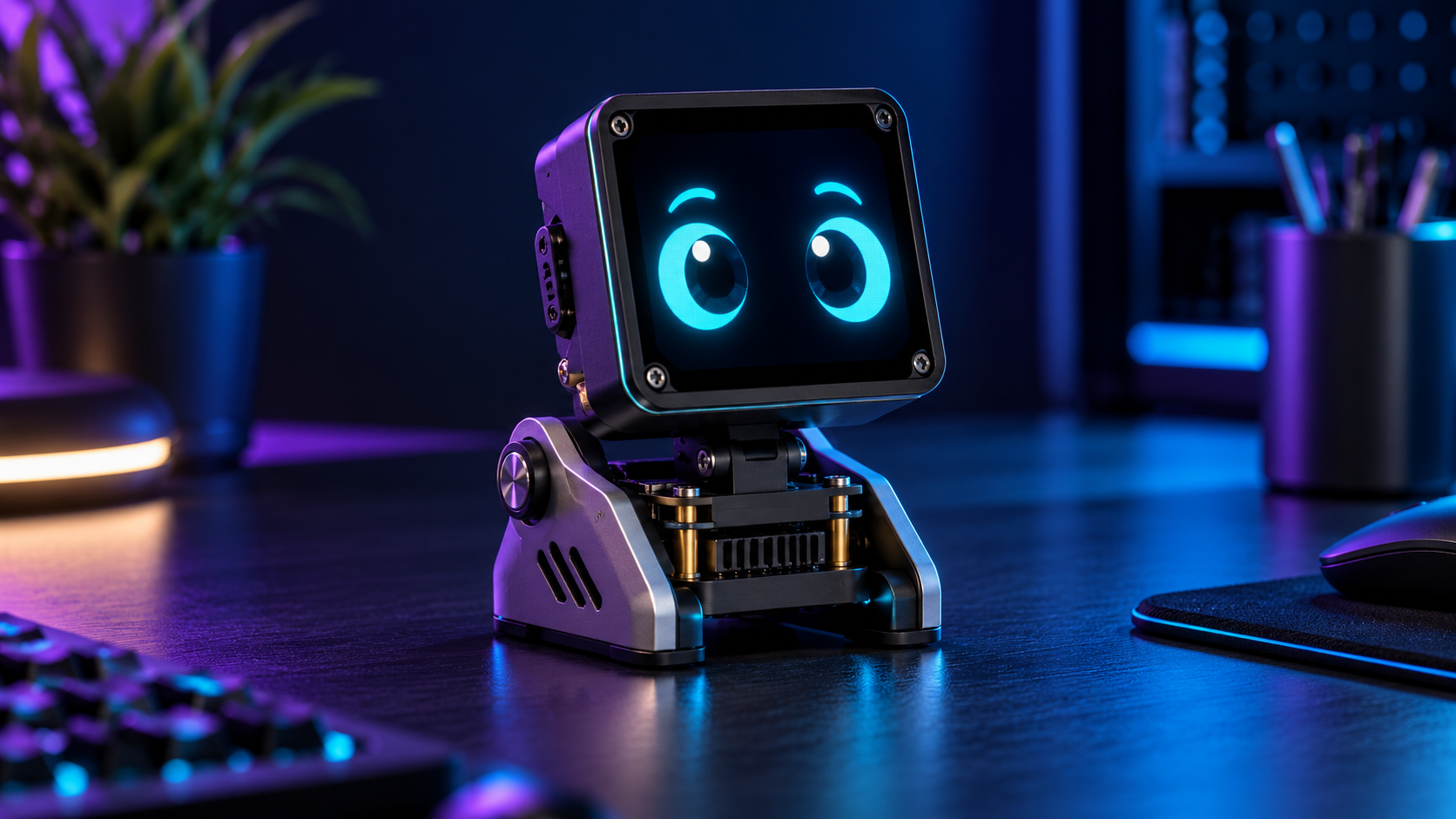
ESP32 AI Desk Assistant
Give your desk a responsive animated face connected to a private local AI model.
 FREE BUILD
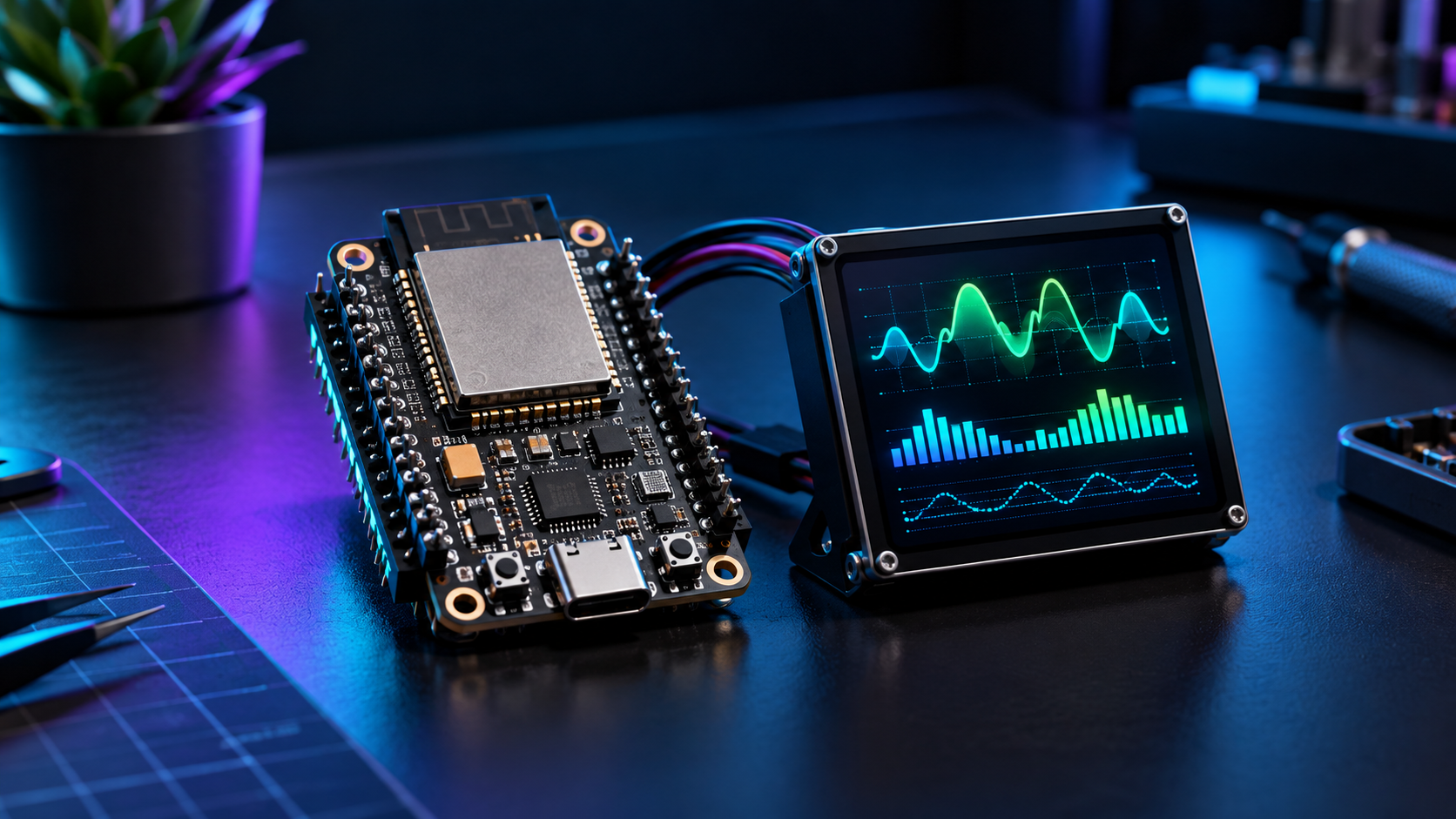
ESP32 Status Dashboard
Show live website and service status on a small screen served from your own network.
 FREE BUILD
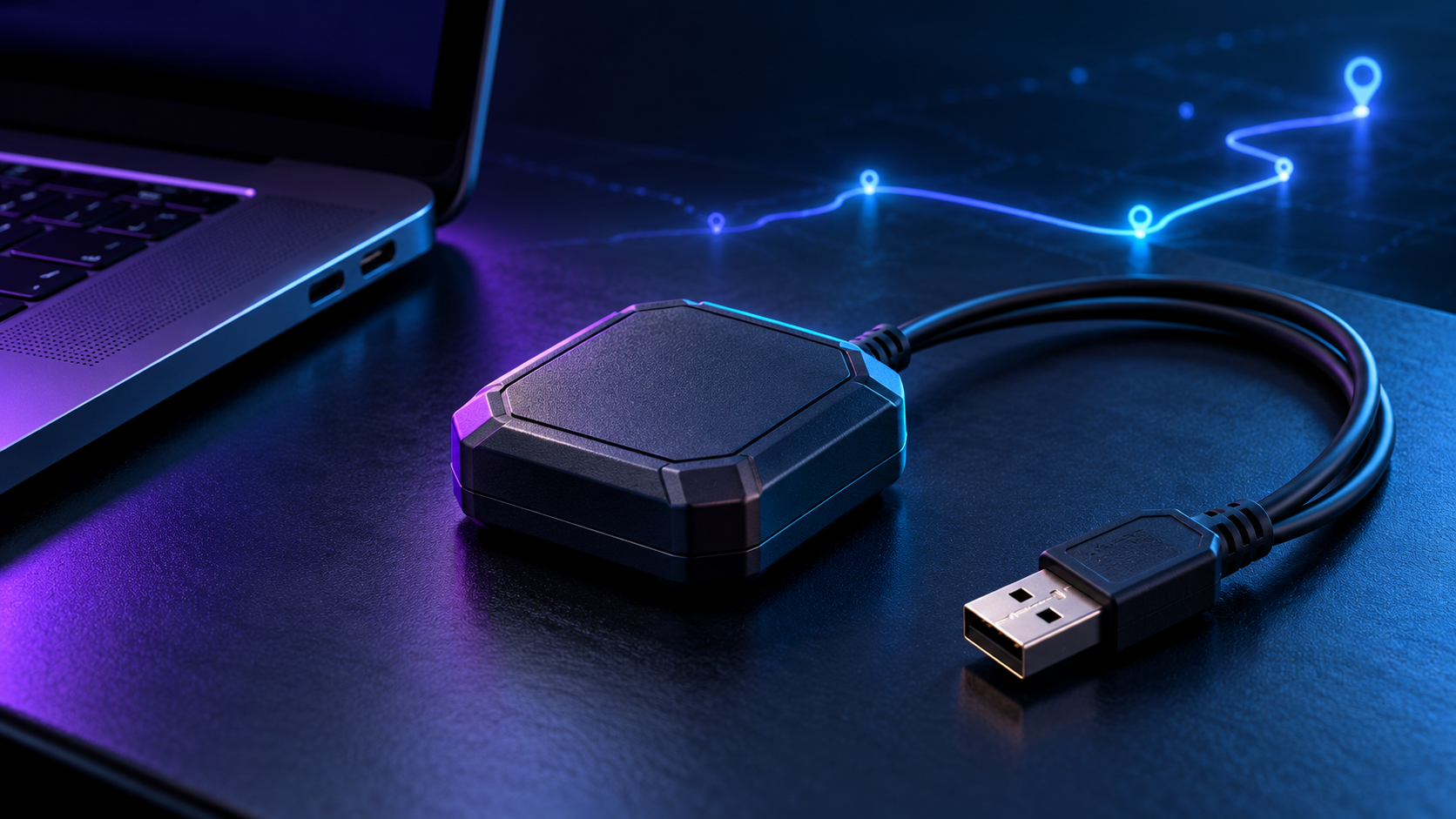
USB GPS Logger
Capture valid GPS fixes and export clean CSV and GPX tracks from a USB receiver.
 FREE BUILD
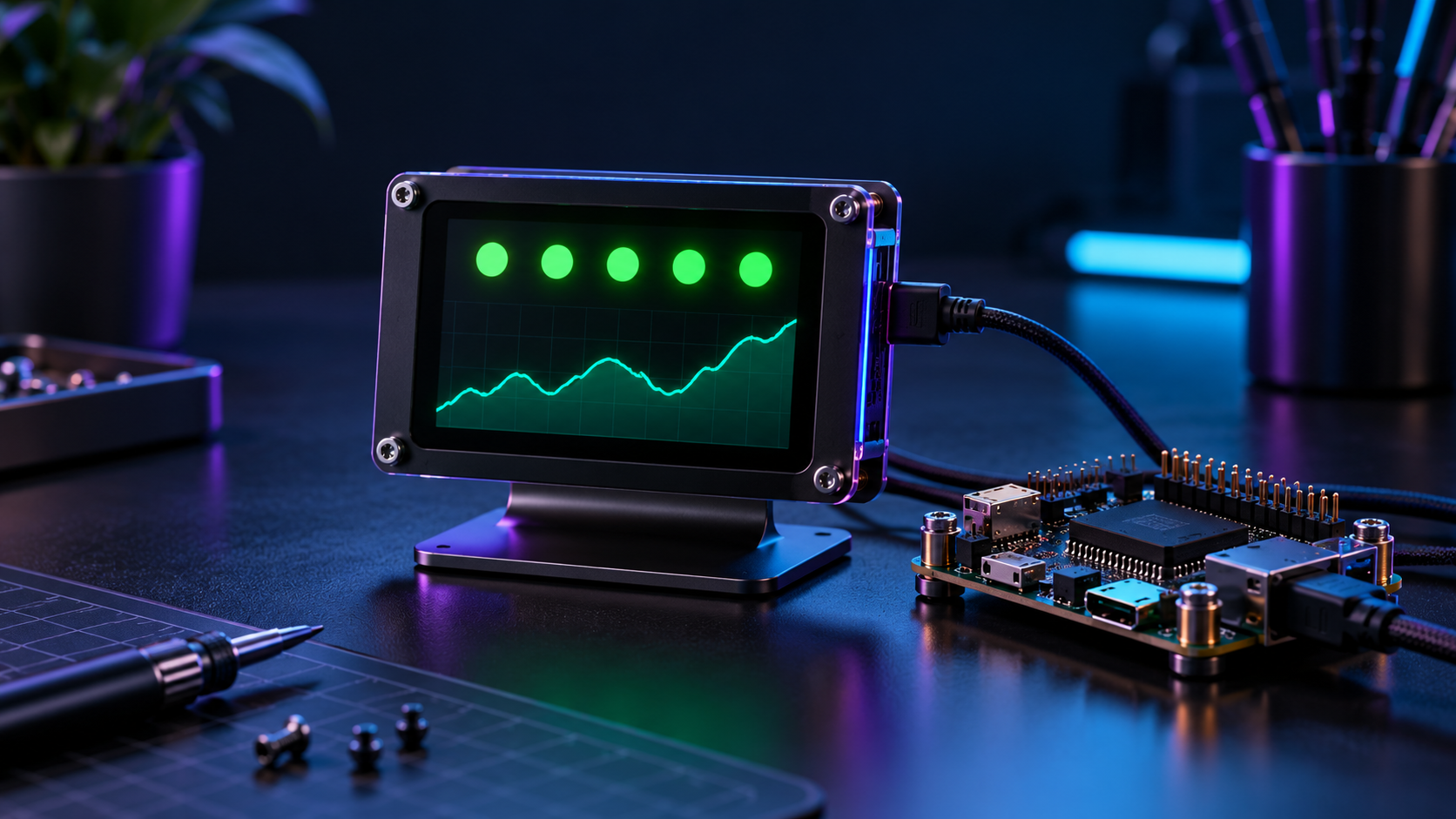
Website Health Monitor
Check HTTPS availability and create a local status feed for the desk devices.
 FREE BUILD
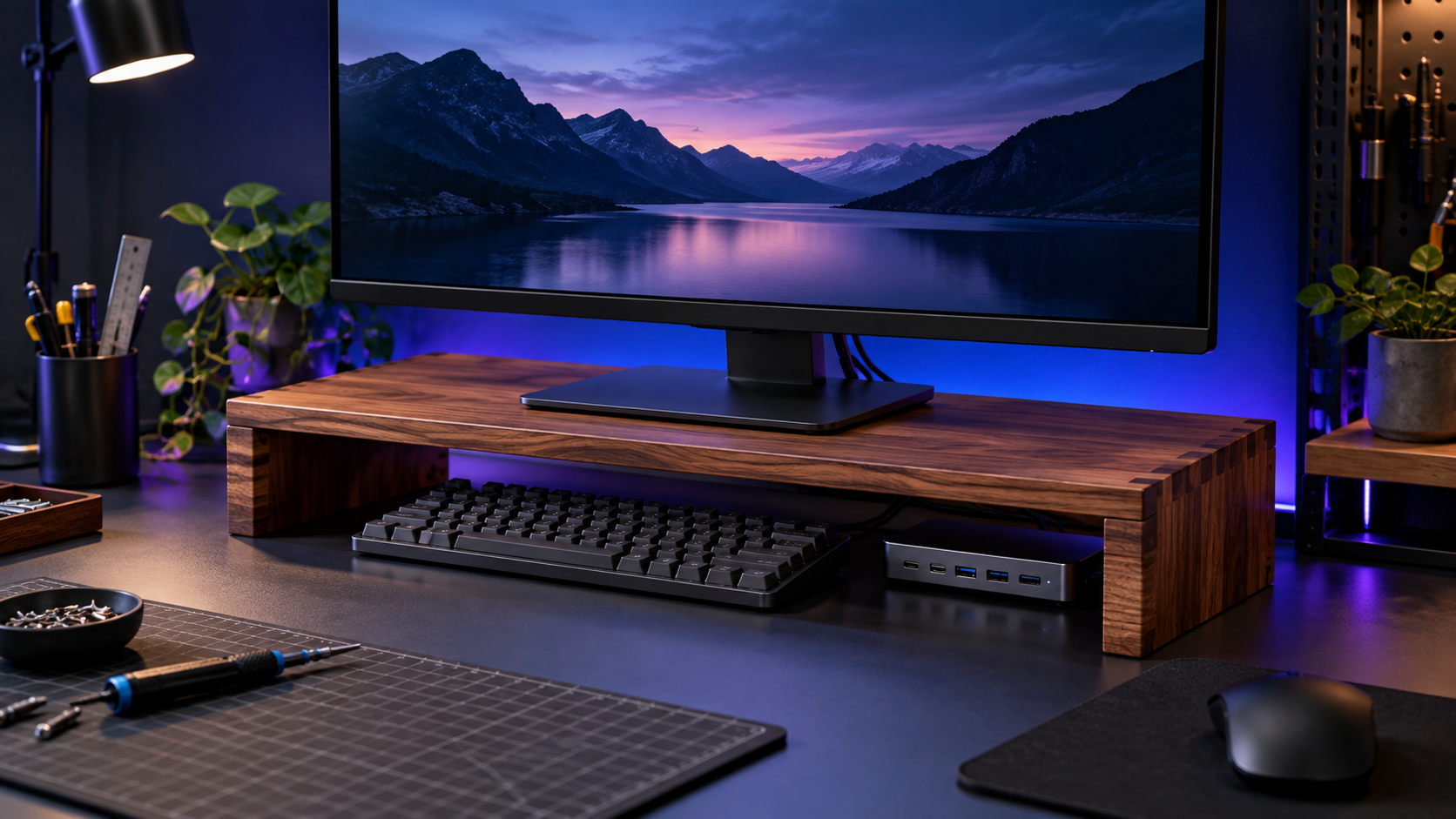
Smart Monitor Riser
Build a measured monitor shelf with a printable cut plan and a cable-ready layout.
 FREE BUILD
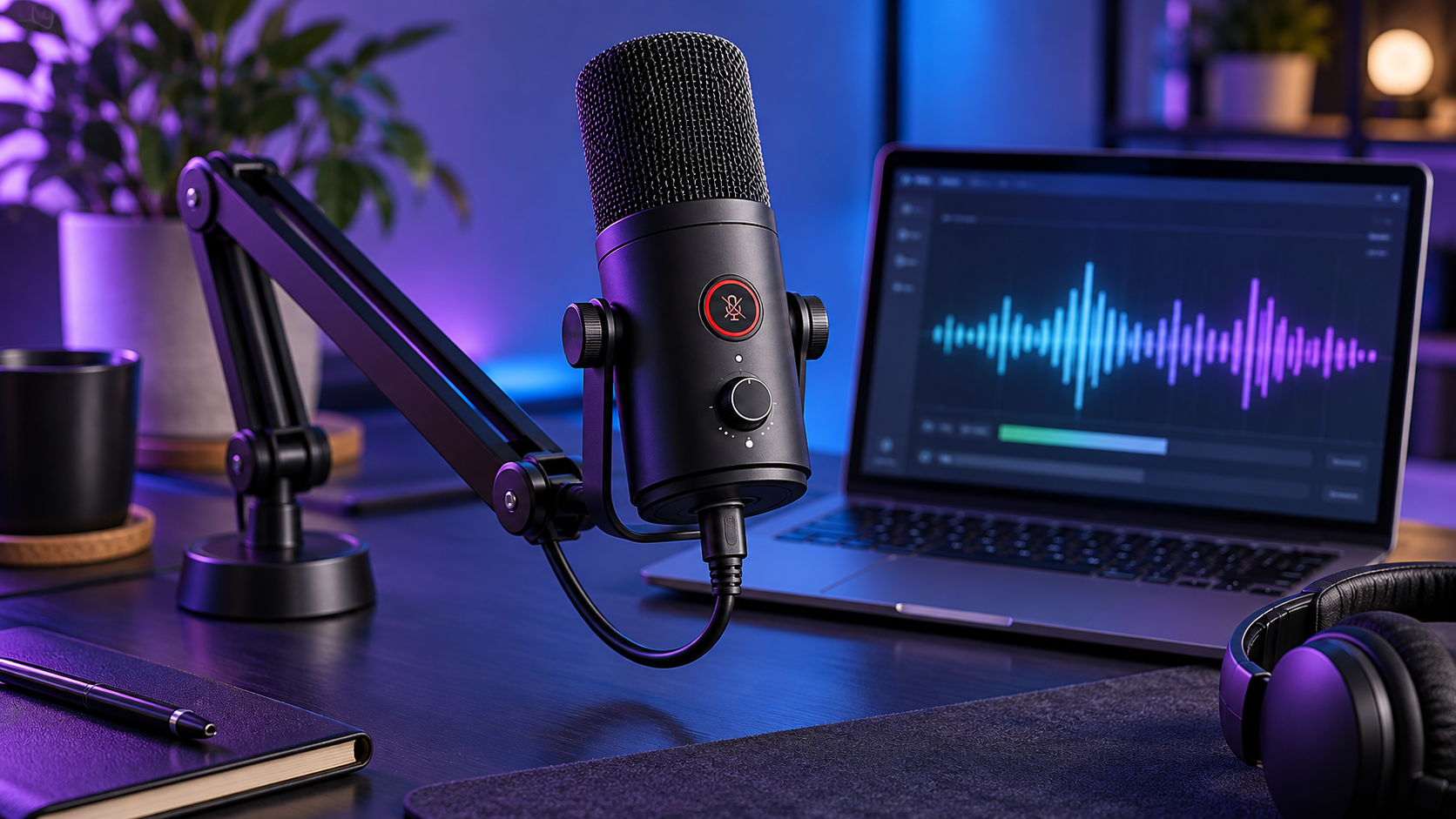
AI USB-C Microphone Station
Set up a USB microphone desk station with a local level meter and clear privacy controls.
 FREE BUILD
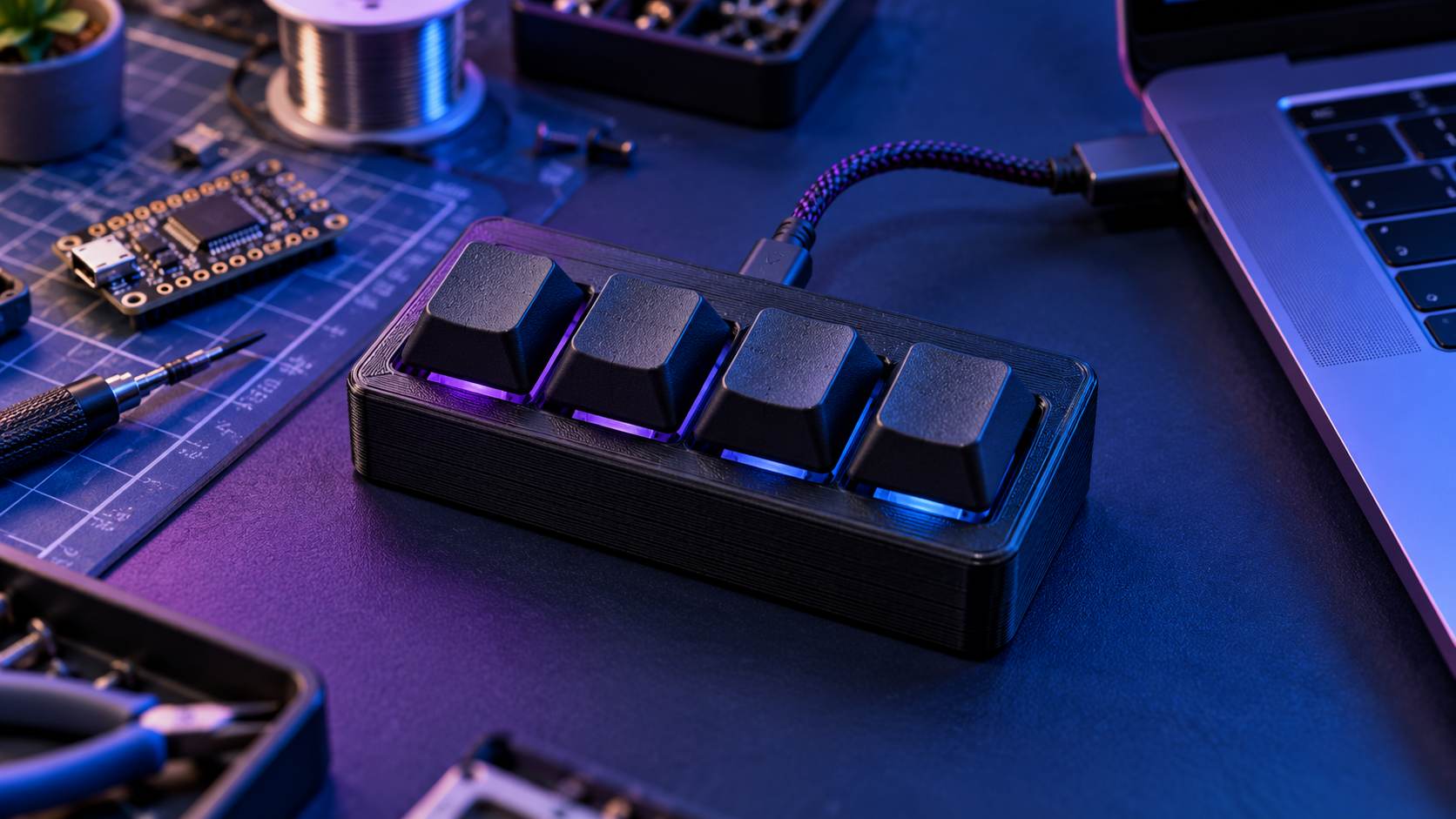
AI Macro Console
Wire four physical shortcut keys and customize a local, offline macro layout.
 FREE BUILD
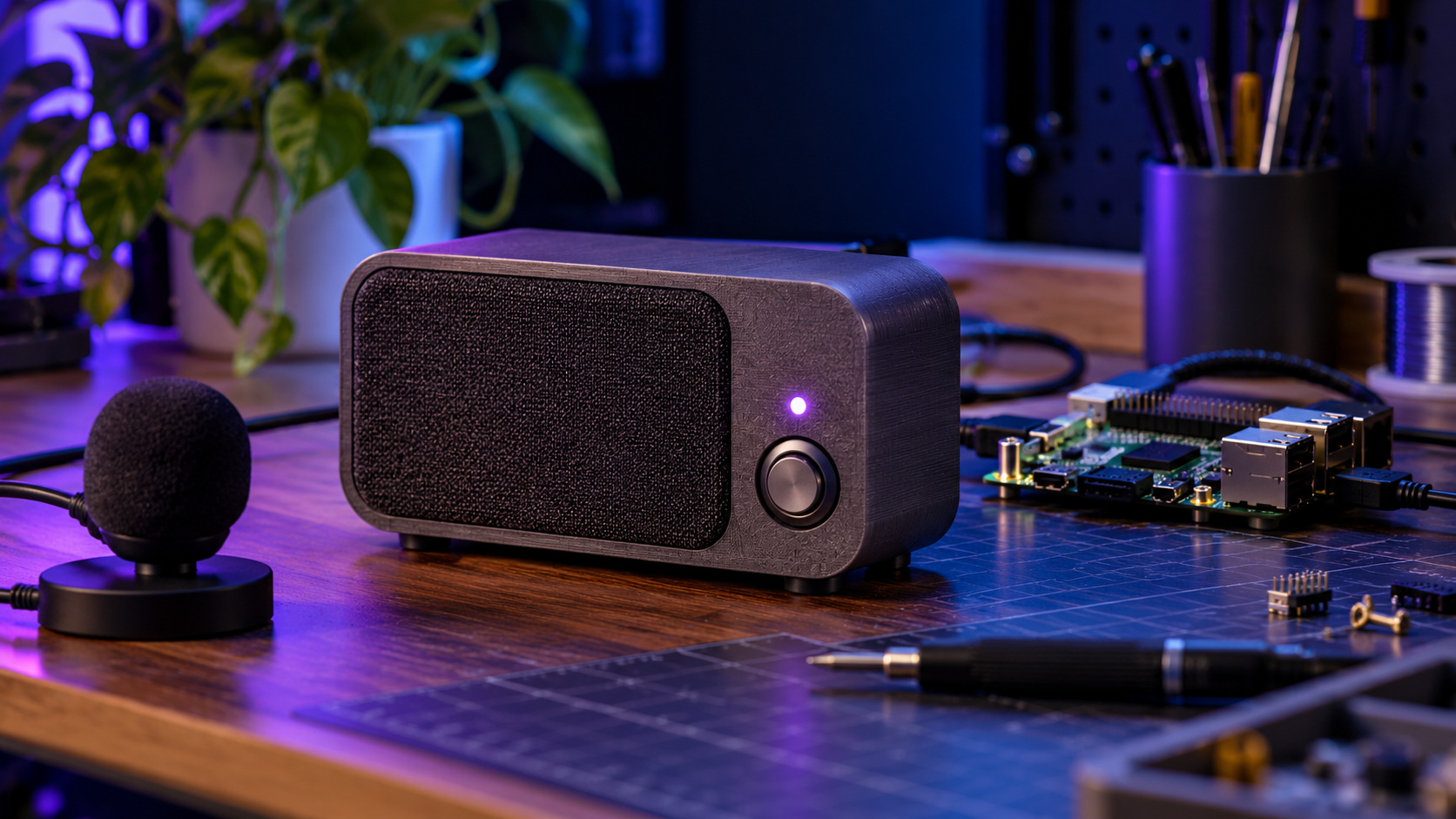
Local Voice Speaker
Run a push-to-talk speaker prototype with offline speech recognition and an allowlisted command set.
 FREE BUILD
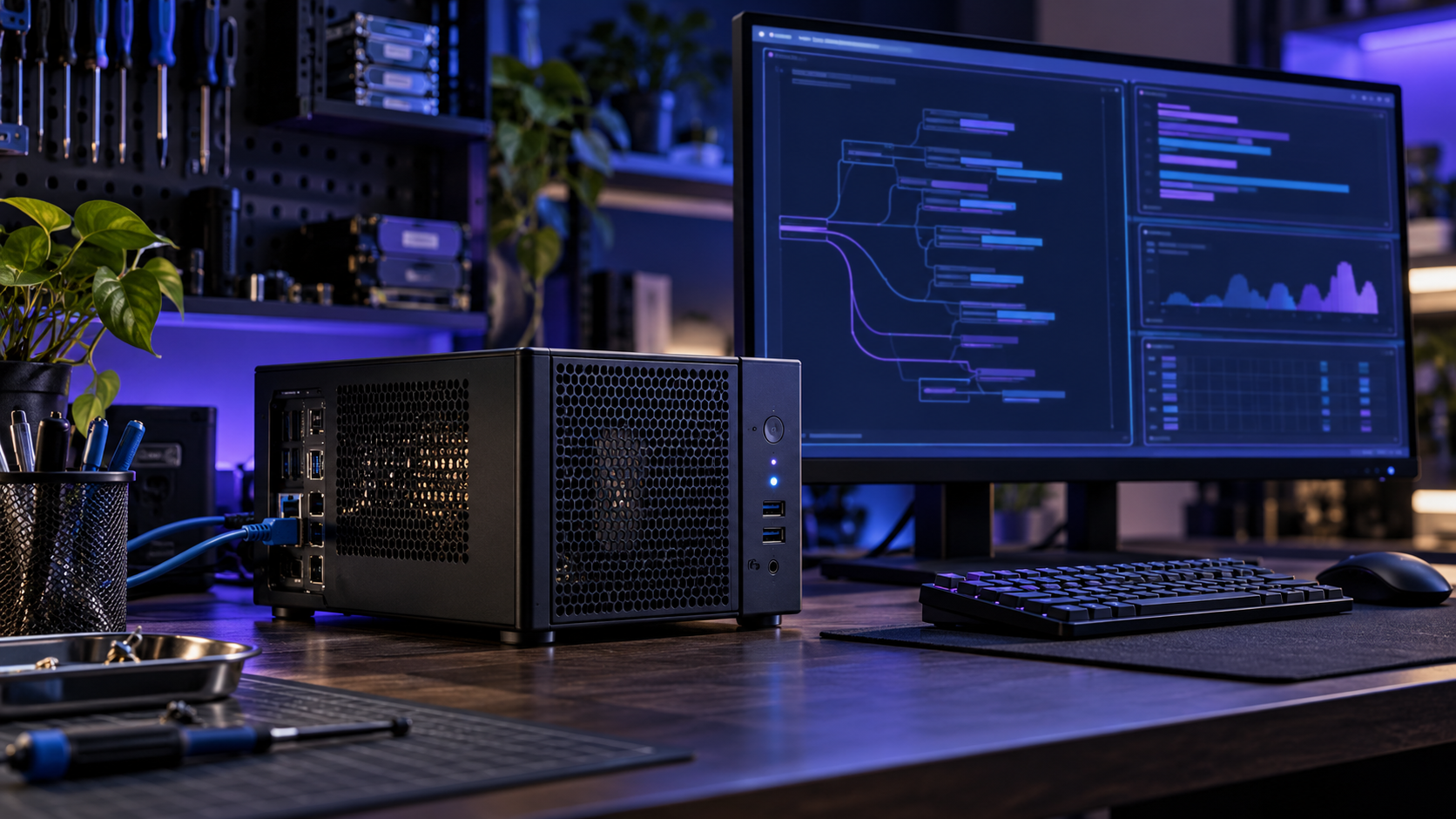
Recycled Mini-PC AI Server
Turn a spare mini-PC into a local Ollama endpoint with a loopback-only client and acceptance checklist.
How to start with DIY hardware projects
These free builds are designed to be understandable before you buy parts. Pick the result you want, read the matching README, then run its software check. The pages list exact components or software dependencies and explain which hardware steps still need testing on your own setup.
Choose the E-Ink Desk Hub if you want a quiet Raspberry Pi display. Choose an ESP32 AI Desk Assistant for a text-first local AI companion, or the ESP32 Status Dashboard for a compact network status page.
The USB GPS Logger converts valid NMEA fixes into CSV and GPX files. The Website Health Monitor checks HTTPS pages and writes a local JSON feed. Both include a self-test, so you can confirm the basic workflow before attaching a receiver or desk display.
Download the matching source pack, extract the project folder, and follow its README. Run the listed check command first. Then connect the named board, display, or USB receiver, confirm the output on your own device, and keep local network services on a trusted LAN.
Before you build
Are these projects free?
Yes. The current guides and example source files are free to download. Alerts, long-term history, voice controls, enclosures, and Pro editions are ideas for future work and are not part of this pack.
Do I need to buy hardware for every project?
No. The Website Health Monitor runs on a computer with Python. The USB GPS Logger needs a compatible NMEA receiver for real tracks. The display builds need the specific board and screen listed on their project pages.
Has every hardware combination been tested?
The included source files have been checked at the software level where possible. Physical board and display behavior depends on your exact parts, firmware, network, and wiring. Each project page states its validation limits and gives a local check to run.
Raspberry Pi documentationMicroPython documentationpySerial documentation