

Local Voice Speaker
An offline, push-to-talk speaker for a short allowlist of spoken desk commands. Speech recognition and text-to-speech run locally; there is no cloud account or always-on microphone loop.
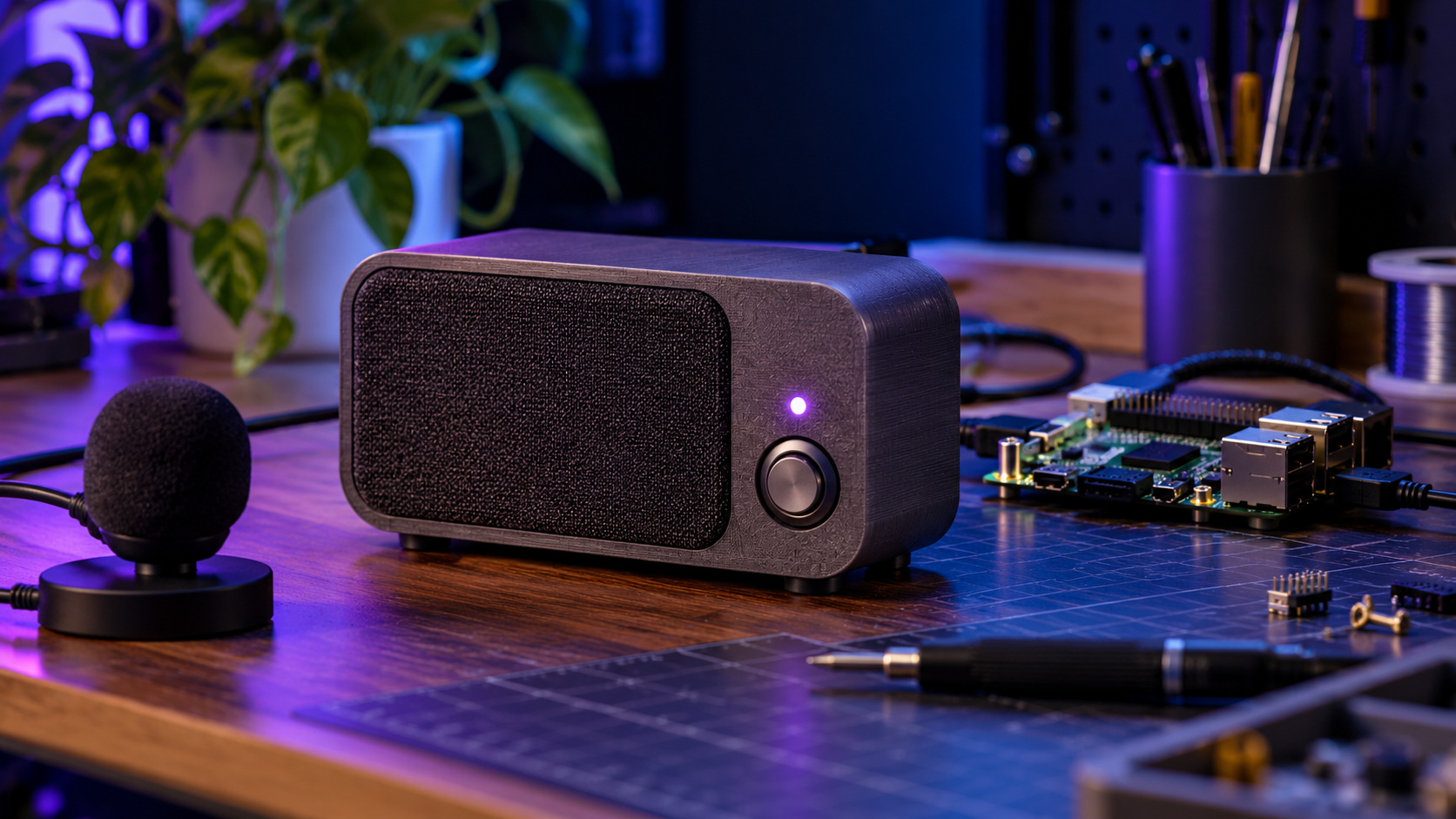
Concept diagram · verify components before building
Purpose and use cases
Try a transparent local voice interface for time, date and a simple timer without sending audio to an external service.
- Ask for the time or date while working
- Start a short timer by voice
- Prototype accessible local voice controls before adding complex actions
Bill of materials / components
- Raspberry Pi 4 with 4 GB RAM or stronger Linux computer, microSD/SSD and official-rated supply
- USB speakerphone or separate USB microphone and powered speaker
- Local English Vosk small model downloaded from its official model list
- Linux with Python 3, PortAudio and espeak-ng packages
- Optional case with ventilation; no battery or mains modification
Architecture / wiring
Press Enter → 4 s local USB microphone PCM → Vosk offline recognizer → exact command allowlist → local time/timer response → espeak-ng → speaker. No network service is started.
A printable architecture diagram and exact BOM are included in the ZIP.
Step-by-step build
- Install Raspberry Pi OS or another supported Linux and test the USB microphone and speaker with the OS audio settings.
- Install PortAudio, espeak-ng and Python dependencies. Download and extract vosk-model-small-en-us-0.15 from the official Vosk model page; keep the model folder beside voice.py.
- Run python voice.py –self-test to check the command parser without a microphone.
- Run python voice.py –list-devices and select the actual input device if the default is wrong.
- Start python voice.py –model vosk-model-small-en-us-0.15 –device DEVICE_NUMBER. Press Enter for each four-second capture, speak one supported phrase, and check the printed transcription.
- Verify the audio stays local by operating with Wi-Fi disconnected after all software and model files are installed. Test the timer and exit command before placing the system in a case.
Code, firmware and downloadable files
README.md, voice.py, requirements.txt, architecture.svg and BOM.csv; Vosk model is downloaded separately under its own license
python voice.py --self-test
python voice.py --model vosk-model-small-en-us-0.15
Setup and configuration
Supported phrases: 'what time is it', 'what is the date', 'set a timer for one minute', and 'set a timer for five minutes'. Edit only the allowlist in voice.py for new actions. No wake word, arbitrary shell command or AI model is included.
Safety and validation
Unverified hardware build. Keep the microphone push-to-talk and inform people nearby before recording. Do not treat the sample as a safety alert or emergency timer. Power the Pi and speaker from approved supplies and keep ventilation clear.
Software checks are documented in the README. A physical assembly and end-to-end hardware run have not been verified by AI Craft Pad.
FAQ
Does it need internet?
Only for initial package/model downloads. The sample recognition and replies run offline afterward.
Why is recognition poor?
Use the specified English model, a 16 kHz capable input, a quieter room and a closer microphone.
Does it answer arbitrary questions?
No. This build intentionally recognizes only the documented allowlist.
Official references
Next step and possible Pro edition
A possible Pro edition could add a tested wake-word path, local model handoff and accessibility profiles; none is included here.