

Useful tools.
Created by us.
Free practical tools that work directly on AI Craft Pad. No external directories, redirects, or sponsored listings.
Specialized resource hub
Reverse Engineering Hub
Explore source-linked analysis tools, learning paths, case studies and AI-assisted workflows.
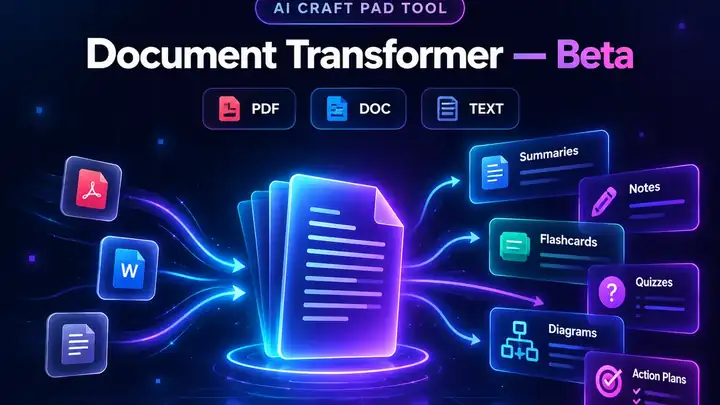
Document Transformer — Beta
Turn PDFs, documents or pasted text into summaries, notes, flashcards, quizzes, diagrams, critiques and action plans.
 AI CRAFT PAD TOOL
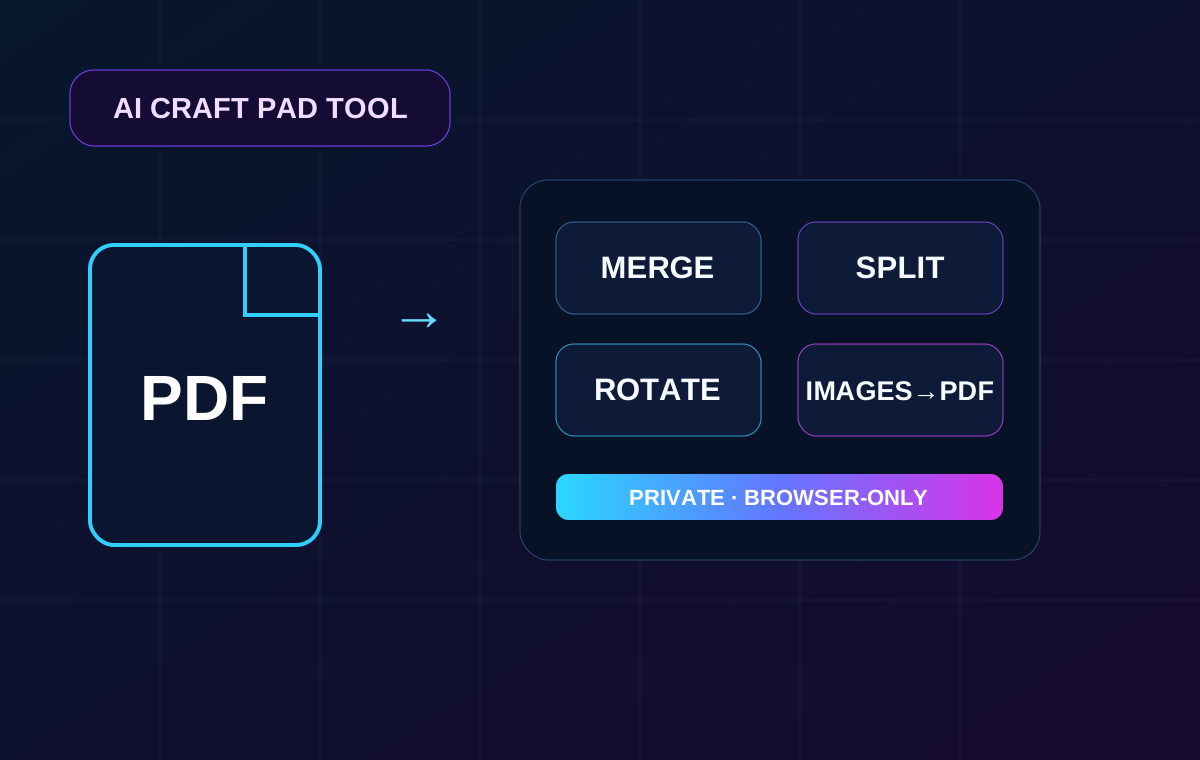
PDF Tools
Merge, split, extract and rotate PDF pages, or turn JPG and PNG images into a PDF. Files stay on your device.
 AI CRAFT PAD TOOL
Site Health Checker
Check website availability, HTTPS, redirects, SEO basics, discovery files and a sample of internal links.
 AI CRAFT PAD TOOL
AI Visibility Checker
Check how ready a website is for Google and AI discovery across technical SEO, crawlers, schema and llms.txt.
 AI CRAFT PAD TOOL
llms.txt Generator & Validator
Generate a clean llms.txt file for a website or validate an existing one with practical checks and fixes.
 AI CRAFT PAD TOOL
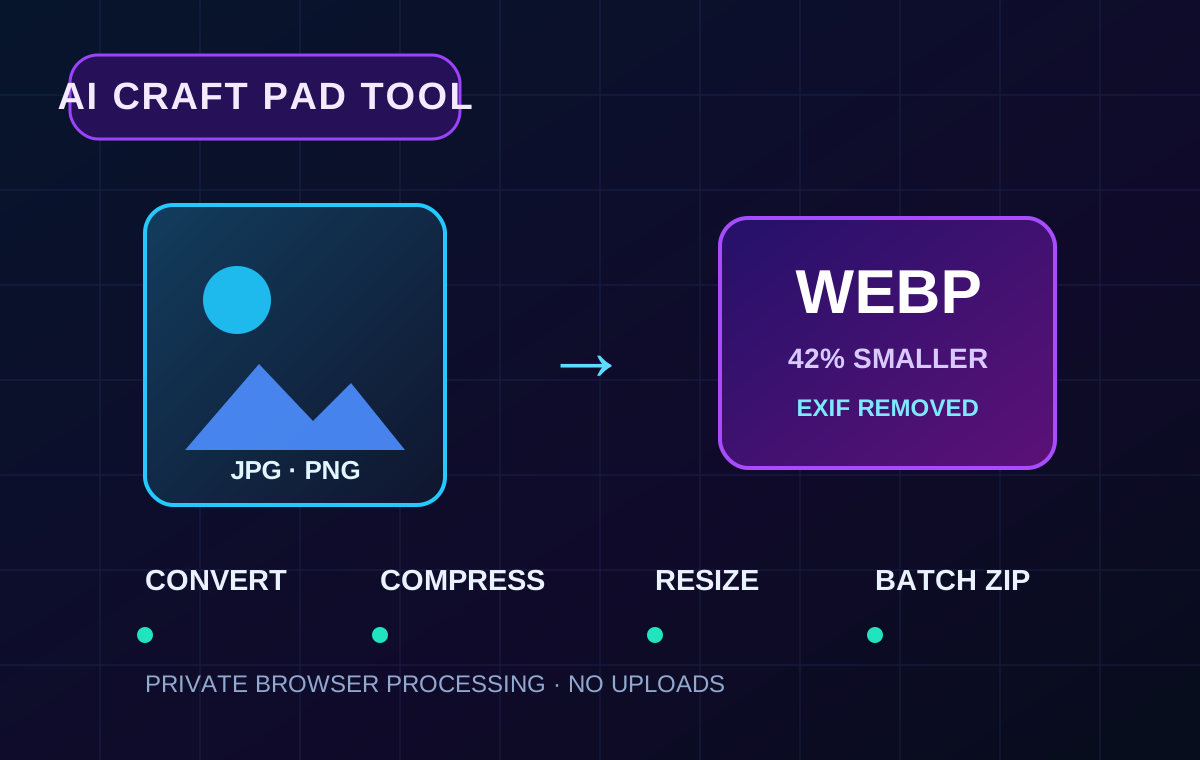
Image Tools
Convert, compress, resize and strip metadata from JPG, PNG and WebP images. Process multiple files at once.
Document to Markdown
Convert Word, PowerPoint, Excel, PDF, EPUB, RTF, CSV and OpenDocument files into clean LLM-ready Markdown.
 AI CRAFT PAD TOOL
Image Delivery Checker
Check image orders for missing files, wrong dimensions, formats, and naming before delivery.
Choose a tool, then put the result to work.
Each tool page explains its inputs and output. Start with one task, inspect the result and continue with a related workflow or guide.
A website check you can act on
Enter a public URL. The Site Health Checker reports availability, HTTPS, indexability, discovery files and a sample of internal links. If a URL fails, verify it in your browser and prioritize the fix by user impact.
See the full review checklist →Are all tools processed the same way?
No. File tools explain local browser processing on their own pages. Website checkers inspect public URLs. Review each tool's privacy and input notes before using it.
Direct your next AI video
Build a scene brief, refine a character reaction and copy editable prompts without leaving your browser.
Prepare agents and inspect skills locally
Free AI workbench tools
Eight practical tools for prompts, model choice, costs, JSON, MCP and workflows. Each runs in your browser.
Best AI Tools by Task
Choose a tool by the job you need to finish, then continue into a guide, workflow or reusable kit.