

Modular Dungeon Tiles Game Art Prompt
Modular dungeon tiles game art prompt for original game art. Copy the detailed prompt, adapt three variations and review the output before production.
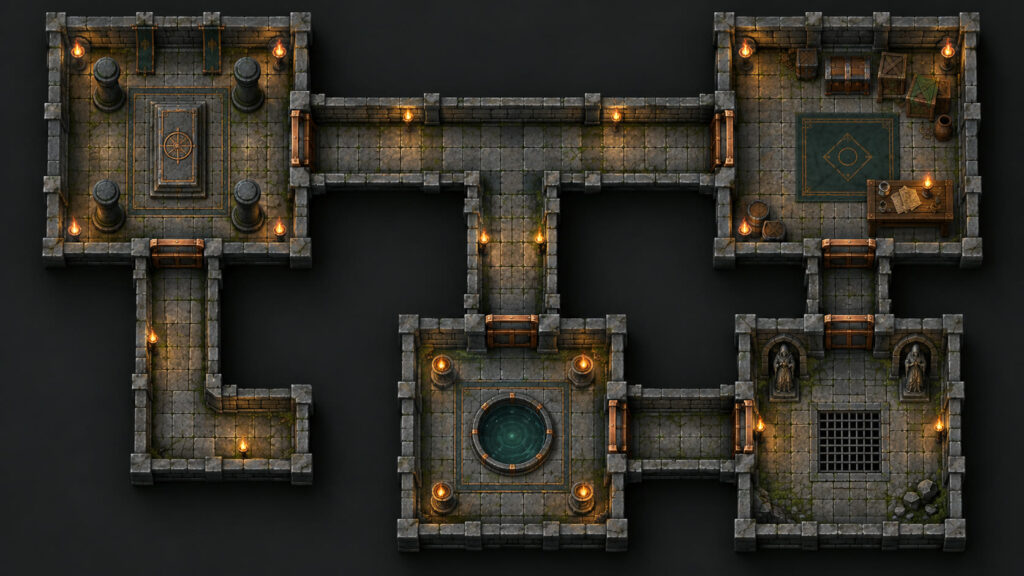
Modular dungeon tiles game art prompt is a copy-ready brief for making a consistent set of original game or 3D-style visuals. The useful output is a sheet or series that shares a camera, scale, palette and design language, not one impressive image with mismatched parts. Replace any bracketed terms before generating. The visual below previews the target composition; inspect each panel at full size before extracting or handing assets to an artist.
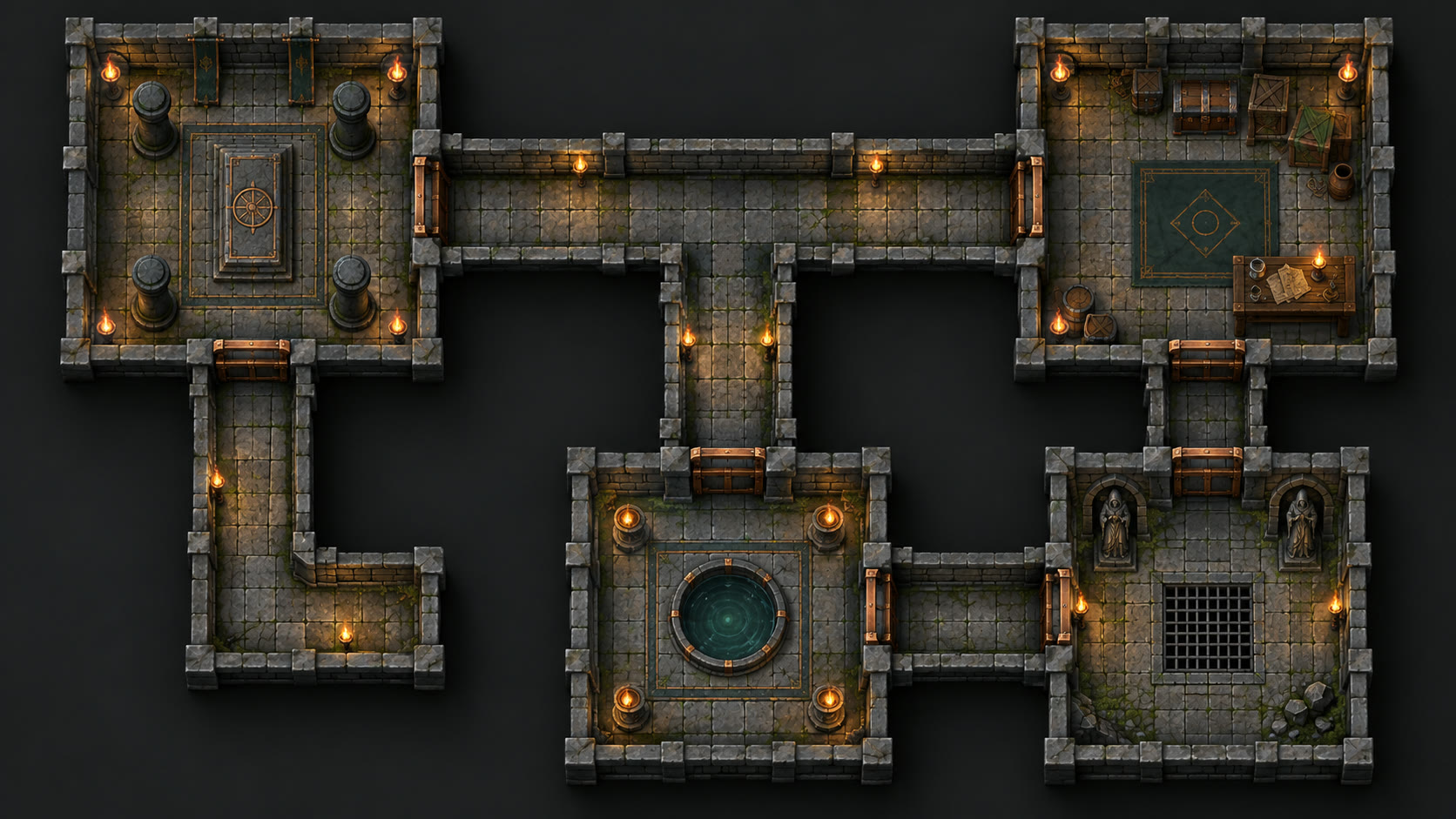
Copy this Modular dungeon tiles game art prompt
Design an original top-down modular dungeon tile kit for a tabletop or 2D game. Produce 12 square pieces on one sheet: four straight corridors, two corners, two junctions, two small rooms, one doorway and one dead end. Every edge must use the same floor width, wall thickness, tile scale and lighting direction so pieces connect without seams. Use worn stone, subtle moss and warm torchlight. Separate each square on a neutral background with visible boundaries. No characters, labels, logos, impossible connections or perspective changes.
Three controlled variations
- Variation 1: Crypt kit: add restrained bone and candle details without changing edges.
- Variation 2: Ice kit: keep the same layout and alter only materials.
- Variation 3: Sci-fi kit: translate geometry into metal panels and indicator lights.
Write the brief before generation
Decide who will use this set and what decision it supports. Specify the target game view, the size of a single output, the number of required pieces and whether the background should be removable. Describe one consistent palette and camera, then list the details that may change between variations. For modular dungeon tiles game art prompt, the shared rules matter as much as the subject: a collection with inconsistent angles or scale creates extra production work. Ask for enough spacing between examples so that each item can be reviewed separately. Save the reference brief alongside the generated image. When the first result is attractive but structurally wrong, correct the structure before spending time on color, effects or additional variations.
How to generate a coherent set
Run the core prompt once with a fixed aspect ratio and keep the seed or generation settings if your tool exposes them. Inspect the result against the requested grid, view count, repeated objects and edge connections. If one element drifts, revise only that constraint and generate again. Do not claim that the output is game-ready until you have checked the actual resolution and assembled the files in the intended engine or design tool. An image of a 3D object is a modelling reference, not a mesh, rig, texture atlas or editable scene. Keep that distinction clear when sharing the result with a collaborator or client.
Prepare the output for use
For production, export a clean high-resolution source and preserve the original generation. Divide panels only after checking that the cell boundaries, camera and scale agree. Remove accidental backgrounds using an image editor, not by assuming that a checkerboard pattern is real transparency. Name outputs consistently, for example asset_type_view_variant, and document the intended pixel dimensions. Test each asset at its real display size in the interface or map. If perspective, anatomy, lighting or tile joins fail, repair the art before creating the final package. For web previews, give meaningful alternative text; the W3C image guide explains when a description is useful.
Quality check for Modular dungeon tiles game art prompt
Test edge matching on a sample layout before calling the kit modular; hand-correct seams when generation drifts. Compare the result against a simple checklist: number of pieces, unique variations, consistent geometry, readable silhouettes and no borrowed intellectual property. Review the scene at card size and full resolution. An AI cover is a demonstration, not proof of exact export compatibility. Keep factual production claims separate from visual style, and test real files before selling or shipping an asset pack.
Can I use the result in a real project?
Yes, you can adapt the prompt for personal or commercial concept work when you have rights to any references you supply and follow your generation tool’s terms. For a shipped game, an artist or developer should still clean, export and test the assets. If a sheet shows a three-dimensional render, it does not provide the underlying 3D file. Browse the free prompt catalog or see a related visual brief for another approach.