

Lantern Fox Maze Browser Game Builder Prompt
Build a small original browser maze game with five solvable levels, keyboard and touch controls, local progress and clear acceptance tests.
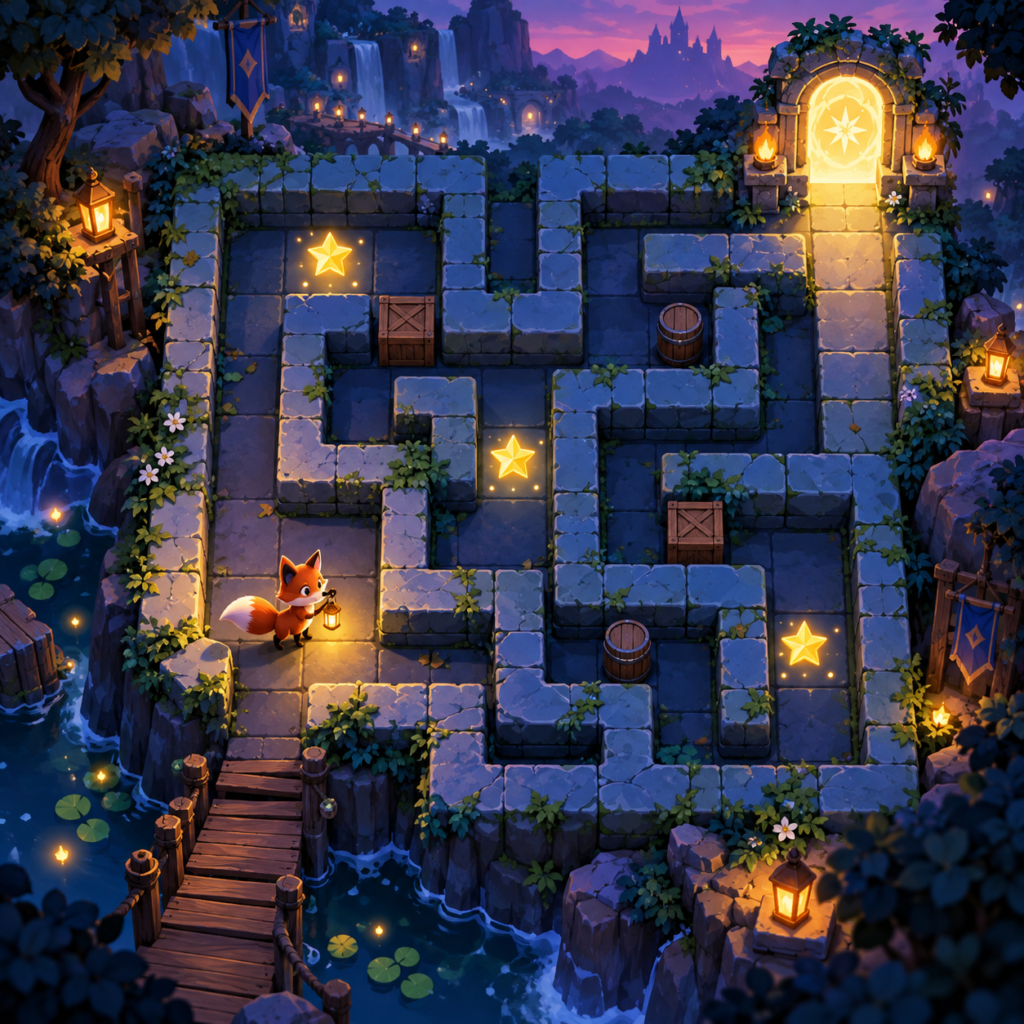
Lantern Fox Maze Browser Game Builder Prompt
Use this lantern fox maze prompt to create an original result with clear constraints, then review the output against the acceptance checks below.
Use this build prompt with a coding agent to create an original playable browser puzzle. The cover is concept art; it is not a screenshot or proof of a working game.
lantern fox maze prompt
Build a complete, self-contained browser puzzle game called Lantern Fox Maze. The player guides an original fox carrying a lantern through five hand-designed, solvable grid mazes. Each level has a start, three collectible stars, one exit and at most one moving obstacle. The exit unlocks only after all stars are collected. Use an HTML canvas or simple DOM grid, vanilla JavaScript and local assets created in the project; avoid external accounts, APIs and copied game art. Provide keyboard controls (arrows/WASD), large on-screen touch controls, pause, restart, muted-by-default sound option and clear focus indication. Use a stable 12-by-12 grid, deterministic collision rules and no random level generation. Show a title screen, level select, gameplay, win state and help screen. Save only unlocked levels and settings in localStorage. Keep animation smooth and readable on mobile; support reduced motion. Separate map data from rendering logic and document how to add another level. Include a README with one-step local run instructions and a manual test checklist. Before finalizing, run the app and fix blocked paths, invisible focus and tap targets that are too small.
Minimum acceptance checks
- All five levels can be completed without walking through walls.
- A star cannot be collected twice; the exit opens only after three stars.
- Keyboard, touch, pause and restart work after a page reload.
- Progress remains local and the game works without a server account.
Run and review the result
Open the delivered project locally using the documented command, then play levels one and five on desktop and a narrow mobile viewport. Treat any cover image as art direction until the playable build is verified.
This page provides the build prompt and original concept art. It does not include a verified playable demo. Browse more AI Craft Pad prompts.
Five-step build and review workflow
- Define the lantern fox maze game goal, the player action, and the one mechanic that must feel good before adding more content.
- Build a small playable opening area with visible controls, readable feedback, and a clear way to recover from mistakes.
- Extend the same rules through the remaining scenes or levels, checking that art, input, and difficulty stay consistent.
- Test keyboard or touch input, accessibility settings, save behavior, and offline loading where the brief requires them.
- Play from a clean start through the ending, fix broken states, and package the source with honest run instructions.
When publishing the lantern fox maze result, review keyboard controls and readable feedback with the MDN game development guide. Test the final output and revise any weak detail before reuse.