

Farmers Market Poster Series Prompt
Design a coordinated visual series for a neighborhood farmers market: one portrait event poster, one square social tile and one wide website banner. Copy the prompt, adapt three variations and check the results.
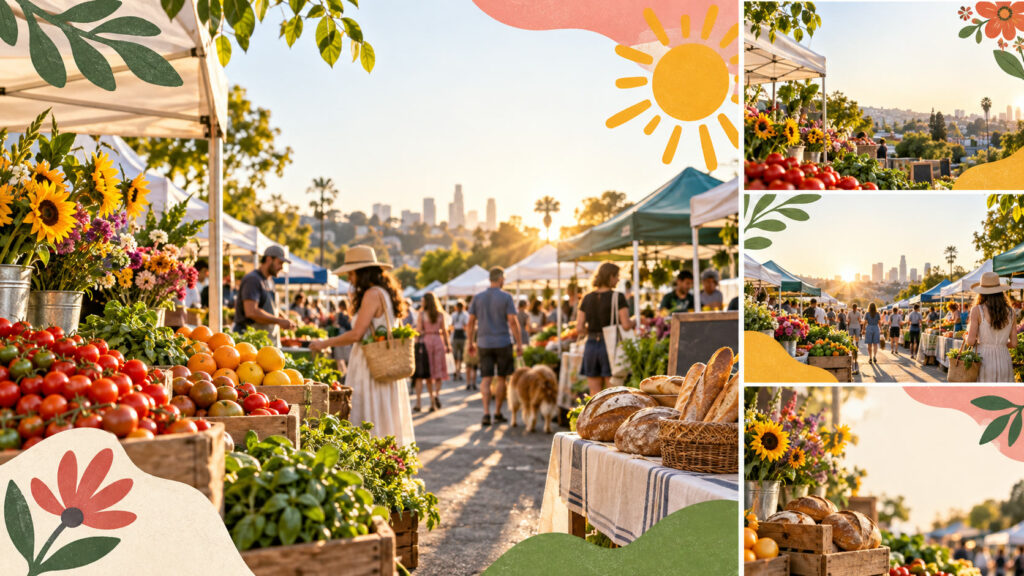
Farmers market poster series prompt is a ready-to-adapt brief for a coherent set of commercial or editorial visuals. It starts with the actual deliverable, then controls what must stay consistent across formats. Replace any product or organization details with approved facts before running it. The image below illustrates a possible direction; use it as a reference, not as proof that every generated panel is publication-ready.
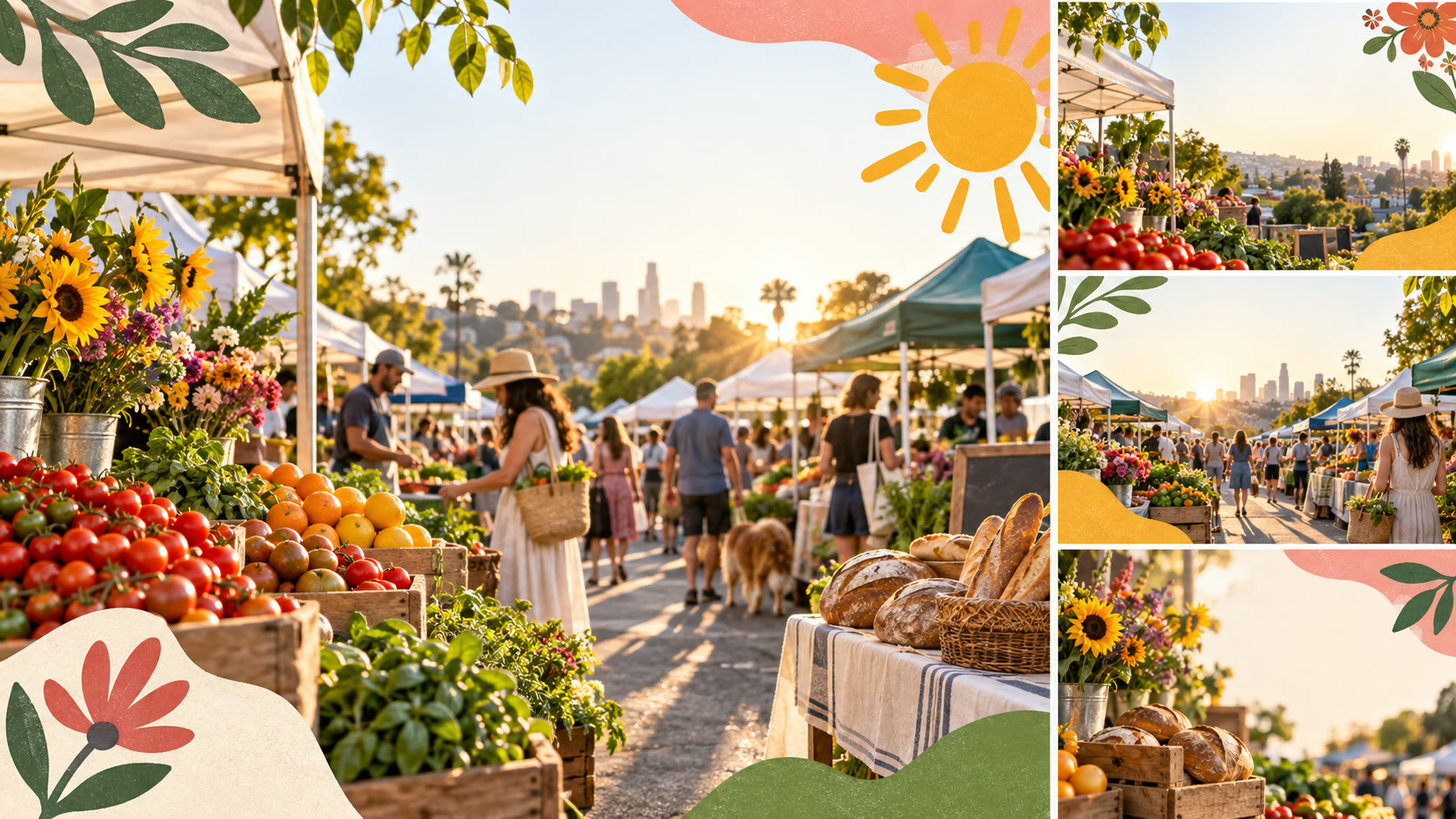
Copy the Farmers market poster series prompt
Design a coordinated visual series for a neighborhood farmers market: one portrait event poster, one square social tile and one wide website banner. Use the same market world across all three: real-looking produce stalls, seasonal flowers, baked bread and warm evening light. Reserve clear blank zones for the event name, date, location and accessibility details to be typeset by a designer. Keep the human crowd as atmosphere rather than identifiable subjects. Use cheerful coral, olive and sunflower accents with a hand-drawn decorative motif. Do not invent vendor names, event dates, maps, readable lettering or sponsor logos.
Three controlled variations
- Variation 1: Create an autumn harvest version with squash and deeper colors.
- Variation 2: Create a spring seed-swap version with seedlings and softer light.
- Variation 3: Create a rainy-day indoor market version while preserving the visual identity.
Prepare the real brief before you generate
Start with one approved reference for the subject and a short description of the audience, channel and decision the visual should support. Write down the number of images, intended crop ratios, minimum useful resolution and the visual elements that must remain identical. For Farmers market poster series prompt, consistency is a production requirement: a changing product, space or interface can mislead an audience and make a campaign impossible to assemble. Name the exact object or service you are depicting and decide which features are verified. If the final design needs a price, date, label, metric or claim, reserve a clear space for it rather than asking an image model to invent it. Keep a copy of the source brief beside every generated result.
Choose a primary aspect ratio for the first pass. Generate one sheet or series so you can compare the parts together. If the model merges panels, changes an object between frames or fills a blank copy area with unreadable marks, revise that constraint and rerun the image. Use a fixed seed or reference feature only when the tool offers it; the brief should still explain what makes the set coherent. Review the full-size result before selecting a thumbnail. Small previews can hide distorted details, accidental text and inconsistent lighting. Use the three variations above as separate controlled tests, changing one visual decision at a time.
Production quality checklist
- Identity: Verify that the main subject and required visual system match across every panel.
- Composition: Check safe space for real copy, useful crops and clear focus at mobile size.
- Accuracy: Check that each format has enough safe space for real event details, and verify location, date, permissions and vendor representation before publishing.
- Rights: Avoid existing brand marks, unlicensed likenesses and unapproved client material.
- Handoff: Record chosen version, source prompt, crop sizes and any corrections still needed.
How to use the Farmers market poster series prompt
Treat this result as a visual direction. Rebuild typography, logos, layouts and final product details in an editable design file. For photographed or represented products, compare the concept against the real item and approved references; regenerate or retouch any inaccurate feature. For interface concepts, replace invented screen content with the actual product and test accessibility and clarity. If people appear, verify consent and context before publication. Export the final deliverable at the dimensions required by the website, store or social platform, and inspect the exported file rather than trusting the generator preview. A strong image is only part of a trustworthy campaign.
Use this prompt in a short review cycle: brief, generate, compare, revise, then approve. Ask a teammate who did not write the prompt to identify what the visual seems to promise. Their reading can reveal unintended claims or mismatched details. Market organizers can use the set to align poster, social and website creative without letting AI invent operational details. Keep the best and rejected examples together so later variants follow the same decisions instead of restarting from scratch. If the result is visually attractive but structurally wrong, fix the structure first; color grading and decorative detail come later.
When placing the final Farmers market poster series prompt visual on a website, write an accurate alternative description for its actual purpose. The W3C Images Tutorial explains how to choose useful text alternatives. Check the exported image at its real display size, then add approved copy and metadata in the publishing system.
Related prompts and next steps
Explore more free AI prompts and compare a related creative brief. Adapt the core prompt with your approved inputs, make one test series and apply the checklist before handing anything to a designer or publishing it.