

Christmas Product Photography Prompts for Small Stores
Christmas product photography prompts for original holiday product photo projects. Five adaptable examples with production checks and practical next steps.
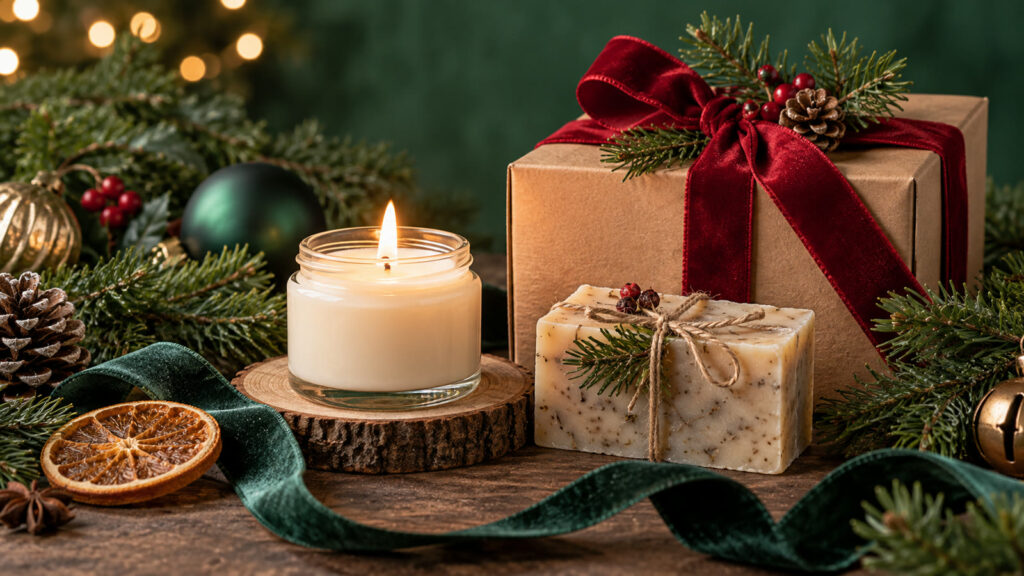
Christmas product photography prompts can turn a broad idea into a useful visual brief when the audience, output size, and success criteria are explicit. A strong holiday product image lets shoppers understand the real item while adding seasonal context. These examples suit handmade goods, food packaging, accessories, homeware and a simple web banner. Keep the product description accurate and treat the generated scene as a concept until it matches the item customers receive.
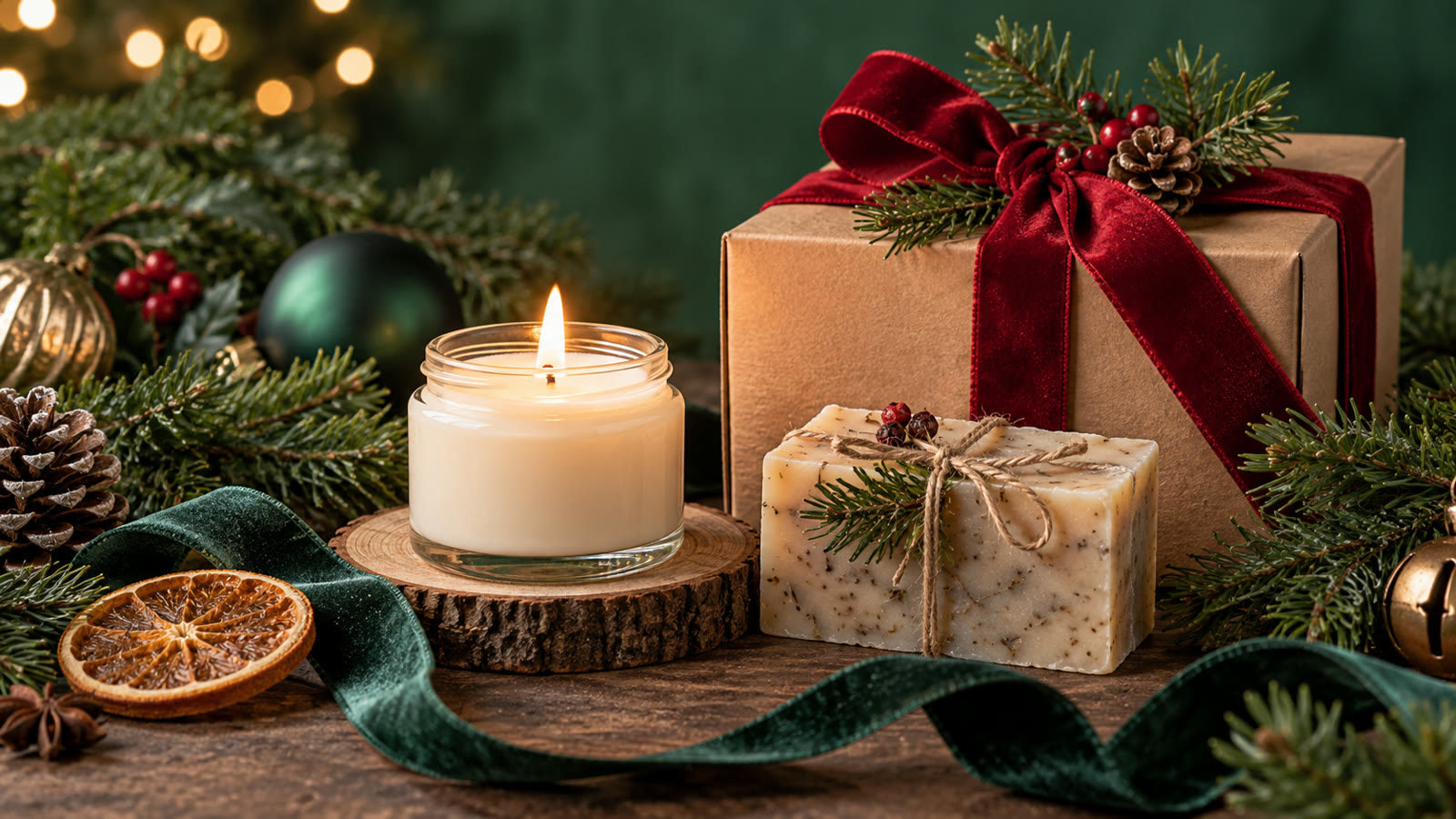
Build a clear holiday product photo brief
Start from the actual product: shape, size, finish, color, packaging and any defects that must not be hidden. Pick one lighting setup and two or three seasonal props. State where the item should sit in the frame and how much space a designer needs for copy. A consistent series requires a fixed camera angle, shadow direction and color palette.
Before generating, decide where the result will appear. Specify the aspect ratio, how much space should remain for edited text, the intended audience, and any brand or personal details that must stay consistent. Keep typography outside the generated image when exact spelling matters. Save the source prompt and compare several outputs at the final viewing size.
Five Christmas product photography prompts to adapt
1. Artisan candle gift set
Photograph an unbranded amber-glass candle and a folded linen napkin on a warm oak table, with one evergreen branch and a subtle copper ribbon. Christmas morning side light, realistic glass reflections, visible wax surface, restrained premium styling. Square store-card crop, product centered with clean edges, no text or invented label. Match the supplied reference product exactly.
2. Handmade soap flat lay
Create a top-down Christmas product photo of three real handmade soap bars in recyclable paper wraps, arranged with dried orange slices and sparse pine needles on pale stone. Soft diffused window light, truthful texture and package proportions, generous margins for mobile crop, no extra variants, labels, logos or claims. The soap colors must match the reference.
3. Holiday bakery menu image
Create an editorial product photograph of a real box of six gingerbread cookies on a small café table, one cookie visible beside the box, warm shop lights and blurred garland behind. Show believable food texture and the exact count. Portrait crop for a menu card, clear focus on the product, no fabricated ingredients, price tags or lettering.
4. Accessory gift campaign
Photograph an unbranded leather wallet in an open gift box near a softly lit Christmas tree. Emphasize leather grain, stitch line, realistic dimensions and natural shadow. Dark navy and warm gold palette, sophisticated commercial styling, wide banner crop with empty left third for copy. Do not add hardware, pockets or a brand mark absent from the reference.
5. Homeware comparison set
Build a consistent five-image Christmas product series for ceramic mugs: identical tabletop, camera height, shadow angle and evergreen detail in each frame. One mug per image, accurate handle orientation and glaze color from each reference, quiet festive background. Output a repeatable composition suitable for ecommerce cards. No slogans or imaginary product features.
How to refine Christmas product photography prompts
Use a real product reference whenever possible, and compare generated edges, labels and dimensions against source photos. If the model changes the product, photograph the real item and use AI only for background concepts or lighting plans. Create one hero crop and one tight card crop from the approved scene instead of forcing the same image into every slot.
For a second pass, change one variable at a time: lighting, camera angle, color range, character gesture, or layout. This makes comparisons meaningful. If the image will support an offer, add the real copy and logo in a layout editor after the visual is approved. Never let a model invent product claims, prices, dates, or customer testimonials.
Quality and publishing checklist
Inspect packaging, color, material, food count, and any claims implied by props. Verify that discounts, delivery dates and stock status are added only from current store data. On mobile, check that the product remains larger than decorative elements and the call to action is visible.
Inspect the output at the dimensions used on the final page or device. Look for inconsistent anatomy, repeated objects, broken perspective, unreadable small details, and a focal point hidden by the crop. Write descriptive alt text for informative web images; the W3C image tutorial offers a useful decision guide. Explore the prompt catalog and more practical articles for related workflows.
Frequently asked questions
Can AI images replace all store photography?
Use them for concepts and controlled composites, but verify that the item shown matches the item sold. Real product evidence is especially important for fit, color and packaging.
How many seasonal props are enough?
A few clear props usually work better than a crowded scene. Keep the product as the focal point.