

Blog Post Outline Prompt: Create a Clear SEO-Friendly Article Structure
Create a clear, SEO-friendly blog post outline with AI. Organize your topic into logical sections, useful subheadings and a structure that makes articles easier to write and read.
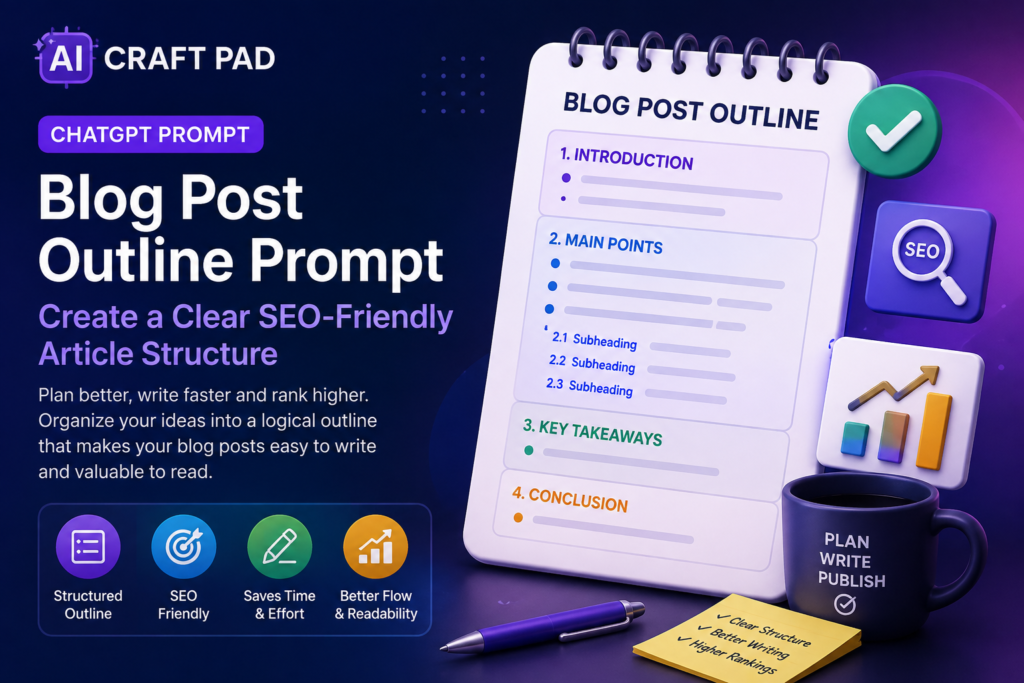
This Blog Post Outline Prompt helps you turn a topic or keyword into a clear, logical and SEO-friendly article structure before you start writing.
Use it to organize ideas, plan useful sections, create relevant subheadings and make sure your article answers the questions readers are most likely to have.
Create a Clear SEO-Friendly Blog Post Outline
Plan a useful article structure with logical sections, relevant subheadings and clear writing direction before creating the full post.
COPY THIS PROMPT:
Act as an experienced content strategist, blog editor and SEO-focused outline planner.
Create a clear, useful and logically structured blog post outline based on the topic I provide.
The outline should help a writer create a high-quality article that answers the reader’s main questions, covers the topic naturally and is easy to follow.
Your goal is to create:
– A strong article structure
– A clear introduction direction
– Logical H2 sections
– Useful H3 subheadings where needed
– Good topic coverage without unnecessary repetition
– A natural progression from one section to the next
– A helpful conclusion
– Relevant FAQ ideas when appropriate
SEO and content rules:
– Write for the reader first, not for search engines.
– Use the main topic or keyword naturally in relevant headings.
– Do not repeat the same keyword unnaturally.
– Include sections that match likely search intent.
– Cover important subtopics needed to understand the subject.
– Avoid filler sections that add no real value.
– Do not invent statistics, studies, facts or expert claims.
– Suggest places where examples, data or expert sources may be useful.
– Keep heading names clear, specific and understandable.
– Do not create clickbait or misleading headings.
Output format:
1. Suggested article title
2. Search intent
3. Recommended introduction angle
4. H2 and H3 outline
5. Key points to cover under each section
6. Suggested examples or supporting information
7. FAQ ideas
8. Conclusion direction
Topic or main keyword:
[Enter your blog topic or keyword]
Optional audience or goal:
[Describe the target reader, business goal or article purpose]
How to use this Blog Post Outline Prompt
What this prompt helps you do
Starting with a structured outline can make blog writing faster and more focused. Instead of deciding what comes next while drafting, you already have a clear map for the article.
- Plan articles before writing
- Create useful H2 and H3 headings
- Organize ideas into a logical order
- Cover important subtopics
- Reduce repetition and filler
- Match the likely search intent
- Create better FAQ ideas
- Make long-form content easier to write
💡 Pro Tip
Do not treat an AI-generated outline as a finished editorial plan. Compare it with what real readers need, what competitors already cover and what original experience, examples or insights you can add to make the article genuinely useful.
Example: From Topic to Article Outline
How to choose a laptop for remote work
Introduction: Explain why remote work creates
different laptop requirements than casual home use.
H2: Start with your work requirements
H3: Office and browser-based work
H3: Video meetings and collaboration
H3: Creative or technical workloads
H2: Choose the right performance level
H3: Processor
H3: Memory
H3: Storage
H2: Battery life and portability
H2: Display, keyboard and webcam quality
H2: Connectivity and ports
H2: Budget and long-term value
FAQ: How much RAM is enough? Is a dedicated GPU
necessary? What screen size works best?
Conclusion: Recommend choosing based on actual work
needs rather than buying the highest specification available.
Why this Blog Post Outline Prompt works
A generic request such as “create an outline about this topic” can produce a list of headings without a clear reason for why those sections belong in the article.
This prompt gives AI a more specific role. It asks for search intent, audience needs, logical topic coverage and useful supporting information rather than simply producing as many headings as possible.
It also tells the AI not to invent facts, statistics or studies. That is important because an outline should guide future research instead of creating unsupported information that may later be mistaken for fact.
Frequently Asked Questions
Can I use this Blog Post Outline Prompt with ChatGPT?
Yes. It can be used with ChatGPT and other capable AI assistants that
support content planning and writing tasks.
Does an SEO-friendly outline guarantee rankings?
No. An outline can improve organization and topic coverage, but search
visibility also depends on content quality, competition, authority,
technical SEO, backlinks, user experience and many other factors.
Should every article include the main keyword in every heading?
No. Headings should sound natural and help readers understand the
structure. Repeating the same keyword in every heading can make the
article awkward and less useful.
Can I use the prompt for long-form articles?
Yes. It is especially useful for longer articles because it helps divide
a broad topic into manageable sections before drafting begins.
Can I change the outline after AI creates it?
Absolutely. You should edit the outline based on your knowledge,
research, audience and the unique value you want the final article to provide.
When to use this prompt
Use this Blog Post Outline Prompt when you know what you want to write about but need help turning the topic into a clear article structure.
It is useful for blog posts, educational articles, tutorials, comparison content, how-to guides, business content, product-related articles and other long-form writing.
The prompt is also useful when an article feels difficult to start. A good outline reduces the pressure of writing everything at once by turning one large task into smaller sections.
Best practices for better blog post outlines
Start with a specific topic instead of something extremely broad. A clear topic helps AI identify more relevant sections and reduces generic filler.
Describe the intended audience whenever possible. An article for beginners, business owners, developers or experienced professionals may require very different explanations and examples.
Before writing the final article, research the important claims, examples, statistics and sources suggested by the outline. The outline should guide research, not replace it.
Finally, look for opportunities to add something original: firsthand experience, tested examples, screenshots, expert commentary, useful data or a clearer explanation than readers can find elsewhere.
Summary
This Blog Post Outline Prompt helps transform a topic into a structured writing plan with useful sections, logical subheadings and clear content direction.
Use it before drafting when you want to organize your ideas, understand what the article should cover and create a stronger foundation for useful, reader-focused content.
Looking for more practical AI prompts?
Explore AI Craft Pad for more useful prompts, tools and guides.
Browse Prompts →