

Combat Encounter Pacing Plan and 3D Environment Blockout Prompt
Use this prompt to turn a game combat concept into a clear encounter pacing plan and a practical 3D environment blockout brief.
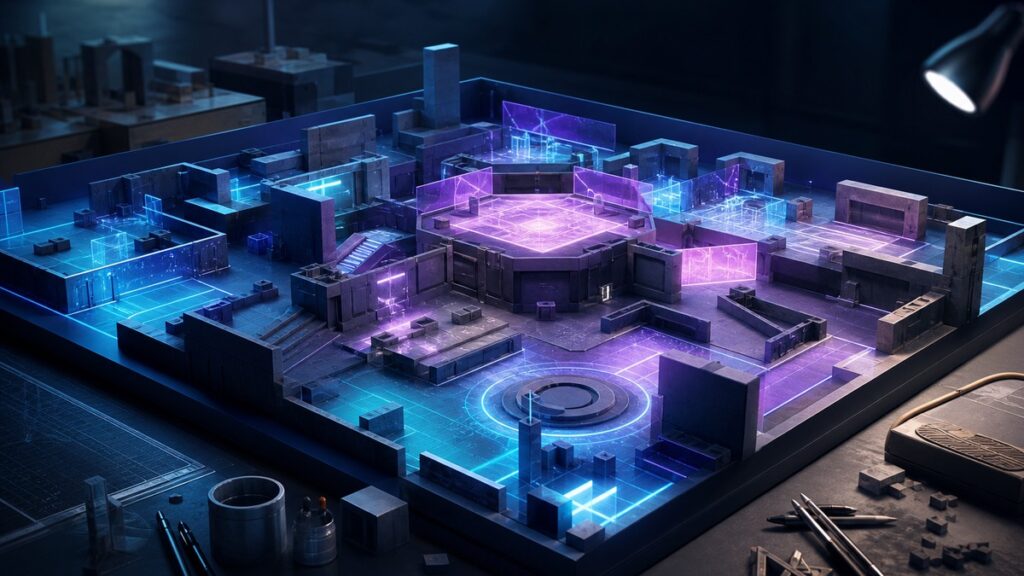
This prompt helps you build a combat encounter pacing plan and a practical 3D environment blockout from the same design brief, so the fight beats and playable space support each other from the start.
Use it when you need clearer flow for an encounter, stronger spatial decisions for a level prototype, or a more efficient handoff between design, art and gameplay iteration.
Build a Combat Encounter Pacing Plan and 3D Environment Blockout
Turn a combat idea into a playable pacing outline and a simple blockout brief that supports layout, movement, cover, sightlines and encounter flow.
COPY THIS PROMPT:
Act as a senior game level designer, encounter designer and greybox planning specialist.
Create a combat encounter pacing plan and a 3D environment blockout based on the game scene I describe.
Your job is to design a readable, playable encounter flow and a simple spatial blockout that supports that flow.
Focus on these goals:
– Define the encounter rhythm from entry to exit
– Identify tension spikes, downtime and transition beats
– Recommend enemy placement, pressure points and player decision moments
– Map the fight to a 3D environment blockout with key spaces and connections
– Describe cover, lanes, verticality, chokepoints and flanking routes
– Keep the layout simple enough for greybox testing
– Make the pacing and the space support each other naturally
Output format:
1. One-sentence encounter summary
2. Combat encounter pacing plan broken into beats
3. 3D environment blockout description
4. Key combat spaces and what happens in each one
5. Suggested enemy or hazard placement ideas
6. Sightline, cover and movement notes
7. Optional test priorities for iteration
8. Short implementation summary
Design rules:
– Keep the tone practical and level-design focused.
– Do not overcomplicate the space with too many rooms or features.
– Use clear spatial language such as entrance, arena, flank route, high ground and retreat path.
– Do not invent lore, stats, engine-specific limits or combat systems unless I provide them.
– If important details are missing, make reasonable design assumptions and label them clearly.
– Prefer concise, usable planning over vague creative commentary.
– Make the 3D environment blockout easy to visualize for a greybox pass.
Input scene:
[Describe the combat scenario, location, player abilities, enemy type, camera style and any required set pieces]
Optional constraints:
[Add desired length, difficulty, mood, traversal rules, arena size, number of enemies or production limits]
How to use this combat encounter pacing plan prompt
What this prompt helps you do
A good encounter needs more than enemy placement. It also needs a pace that lets players read danger, react, recover and push forward without the fight feeling flat or chaotic.
- Plan combat flow before building the full level
- Connect enemy pressure to the shape of the space
- Design clearer entry, mid-fight and exit beats
- Prototype a usable greybox faster
- Spot problems with sightlines, cover or spacing early
- Communicate encounter intent to other team members
- Support iteration without overbuilding the environment
- Reduce guesswork during blockout and tuning
💡 Pro Tip
Ask the AI to mark where the player should feel safe, pressured and in control. Those three states make it much easier to judge whether the combat encounter pacing plan and the environment blockout are actually supporting the same gameplay rhythm.
Example: From combat idea to blockout brief
Third-person action game, ruined courtyard at dusk, player has a dash, a melee combo and a short-range stun, enemies attack in small groups, and the fight should build from a tense opening into a wider final wave.
Encounter Summary: A staged courtyard fight that starts with a narrow approach, opens into a central pressure zone and ends with a final push around broken structures.
Combat Encounter Pacing Plan: Introduce one exposed patrol group on entry, raise pressure with side-angle threats in the center, then add a brief recovery beat before the final wave arrives from a higher platform.
3D Environment Blockout: Build a simple outer entry lane, a central combat plaza, two flank paths, low cover near broken walls and one elevated platform that creates a final tactical problem.
Key Spaces: Entry corridor for setup, central arena for the main exchange, side route for flanking, elevated corner for pressure and a safe retreat pocket for quick reset.
Test Priority: Check whether the player can read enemy approach lines, use dash timing meaningfully and move between cover without losing awareness of the whole space.
Why this combat encounter pacing plan prompt works
A vague request like “design a fight arena” can lead to a layout that looks interesting on paper but does not explain how the combat should actually unfold.
This prompt asks for pacing and blockout together, so the AI has to think about movement, timing, pressure and space as one design problem instead of separate tasks.
It also encourages practical assumptions when details are missing. That is useful because early level design often starts with incomplete information and needs a clear, testable first pass.
Frequently Asked Questions
Can I use this prompt for boss fights?
Yes. It works well for boss encounters as long as you describe the boss behavior, arena size and any phase changes you want to support.
Do I need to include exact enemy counts?
Not always. If you do not know the exact number yet, give the AI the intended pressure level and let it suggest a reasonable starting point.
Can this prompt help with greyboxing?
Yes. The blockout portion is designed to produce simple, readable spatial guidance that can be translated into a greybox quickly.
Should I ask for lore or art direction too?
Only if it matters to the encounter. For most gameplay planning tasks, it is better to keep the prompt focused on pacing, flow and space.
What if the output feels too complex?
Add constraints that ask for fewer spaces, fewer enemy groups and a simpler layout. That usually makes the blockout easier to test.
When to use this prompt
Use this prompt when you are planning a new combat room, a small mission arena, a set-piece battle or a prototype that needs both gameplay rhythm and spatial structure.
It is especially helpful during early design reviews, pre-production blockout passes and encounter iteration, when you need a quick but thoughtful first version that can be refined through playtesting.
It also helps when a fight is not working yet. A clearer structure can show whether the issue is pacing, enemy pressure, space layout or all three at once.
Best practices for better encounter planning
Describe the player’s movement tools and combat range clearly. A dash, jump, aim-down-sights view or melee focus can completely change the shape of the ideal blockout.
Keep the arena simple on the first pass. A few strong spaces with clear functions are usually more useful than a dense layout filled with details that do not affect play.
Ask for tension changes across the encounter instead of a single flat fight. Good pacing usually includes setup, pressure, a brief recovery or choice moment, and a final escalation.
After you get the result, test the plan against actual movement and camera behavior. If a route is hard to read or a lane feels unfair, simplify the geometry before adding more combat complexity.
Summary
This combat encounter pacing plan prompt helps you shape a fight from both sides: the timing of the action and the structure of the 3D space.
Use it to create a playable first pass, communicate the encounter clearly and guide the blockout toward a layout that supports the intended combat rhythm.
Looking for more practical AI prompts?
Explore AI Craft Pad for more useful prompts, tools and guides.
Browse Prompts →