

October Graphic Novel Camera Lab
Premium prompt kit — $5.00. Halloween graphic novel prompt pack: an original AI Craft Pad prompt with a colorful visual example and practical guidance.
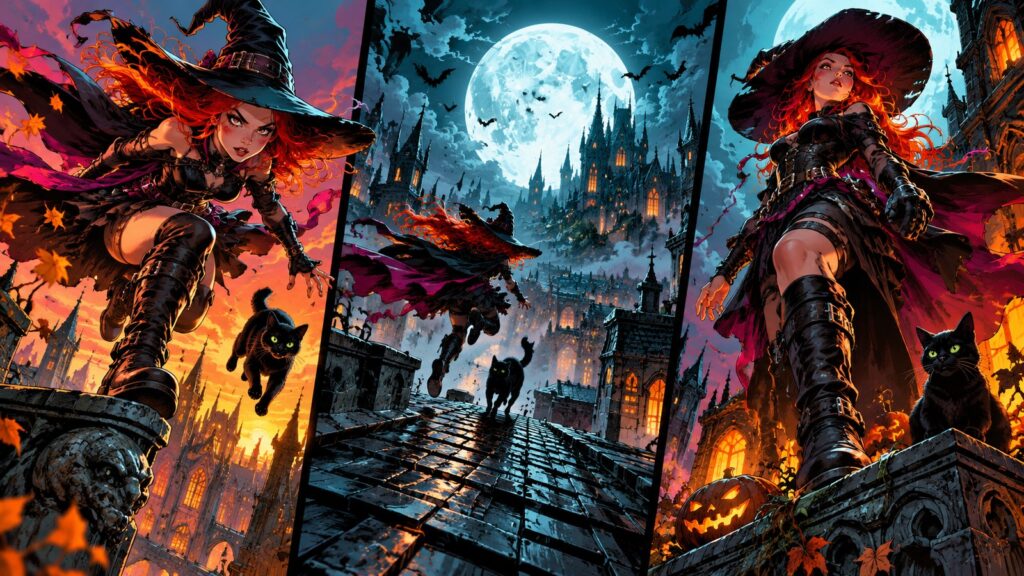
Premium prompt kit — $5.00. October Graphic Novel Camera Lab includes downloadable prompt instructions; AI model access and rendering credits are separate.
October graphic novel starts with a clear subject, a readable silhouette and a strong visual decision. This original AI Craft Pad example gives you a direction to adapt, then a way to inspect and refine the result.
Halloween graphic novel prompt pack is a premium creative kit for building a coordinated set of original images. The preview cover shows the artistic direction, while the downloadable package contains the full master prompt, control matrix, variation briefs and production checks.
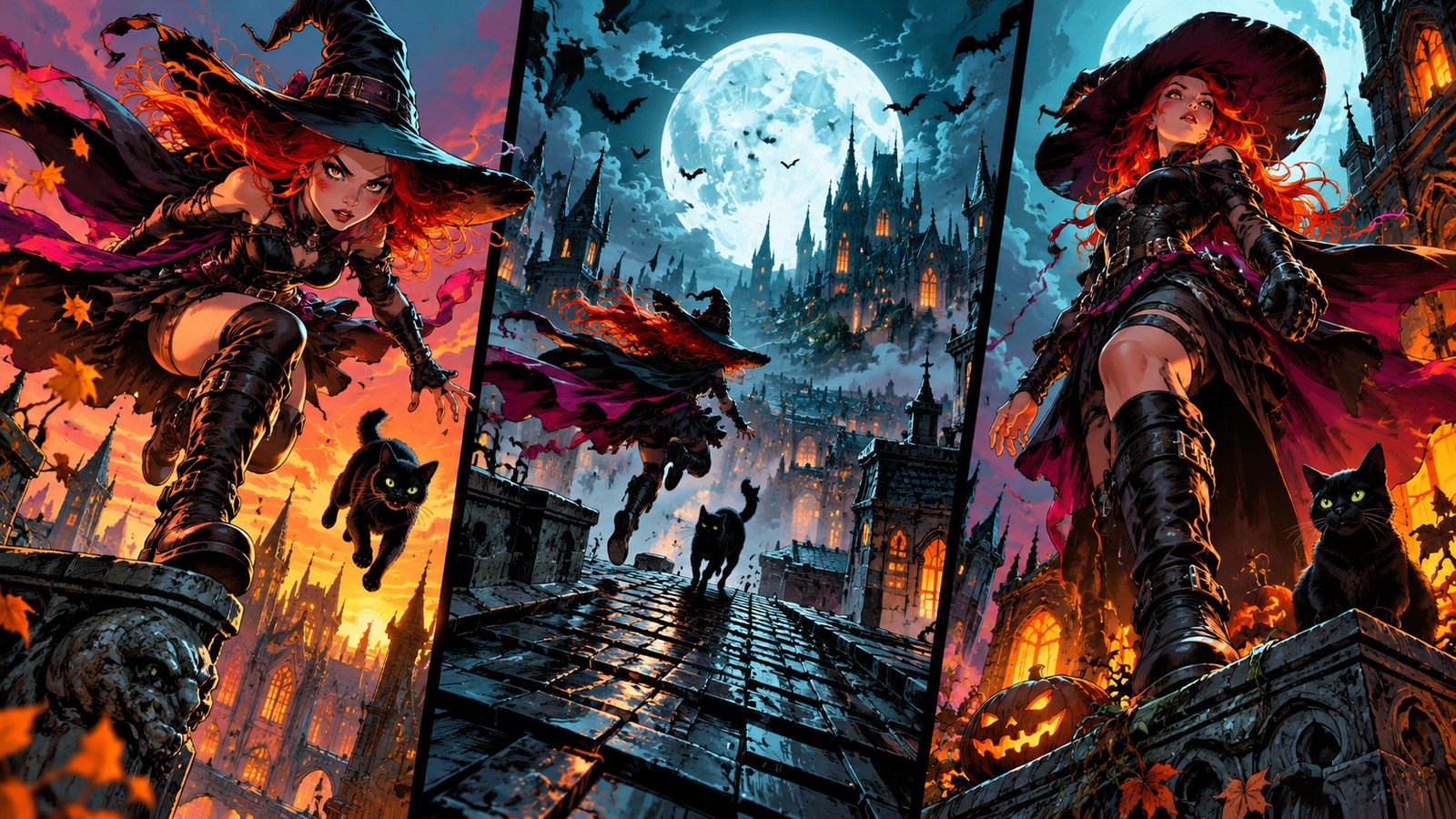
What the October Graphic Novel Camera Lab kit helps you create
The core direction is a cinematic Halloween graphic novel triptych with dynamic witch rooftop leap, moonlit chase and dramatic low-angle reveal, bold orange magenta cyan inks. The kit turns that idea into a repeatable process: establish a hero image, create two purposeful alternatives, then decide what stays constant across a series. It is suited to a creator who wants a visual family rather than a single lucky output.
Included in the download
- A complete copy-ready master prompt with scene and quality constraints.
- A variable matrix for hero costume, action beat, lens angle, page panel shape.
- Three original starting compositions, including a hero frame and two controlled alternatives.
- A practical review checklist and a short usage guide.
Preview the method
Start with one strong focal shape and check it at small card size. Then adjust hero costume while keeping the other decisions fixed. Keep anatomy and motion direction consistent across shots, without copying comic characters. That single-change method helps a set feel intentional and makes weak variations easy to reject.
Plan a three-panel action sequence with an establishing frame before the close-up. This is one of the alternative directions. The purchased file explains how to adapt the complete master prompt without losing its visual identity.
Before you use the result
- Review perspective, anatomy, materials and lighting at full resolution.
- Add exact titles, labels or other required typography in a layout editor.
- Check rights and model terms for your intended use.
- Treat the cover as an example of the direction, not as a guarantee of identical model output.
This is a digital prompt kit and guide. It does not include hosted generation, model credits, a finished custom commission or a promise that every model will produce the same image. The full prompt is delivered in the ZIP after purchase.
Price: $5.00 USD.
Explore free examples in the prompt library, or compare public-domain visual references at Wikimedia Commons.
How to refine october graphic novel
Start with this scene brief: A cinematic Halloween graphic novel triptych with dynamic witch rooftop leap, moonlit chase and dramatic low-angle reveal, bold orange magenta cyan inks. Keep the central subject easy to read at thumbnail size. Make one version with the original composition, then create a second version that changes only the camera angle or lighting. Compare how each version guides the eye. Retain the version with clearer depth, consistent materials and fewer distracting details.
For october graphic novel, check the image or opening frame at full size and on a phone. Look for unwanted lettering, malformed shapes, drifting identities and repeated objects. If one detail fails, fix that detail before changing the entire scene. Save the best result with its prompt, aspect ratio and generation settings so you can repeat the direction later. If you use outside source material, consult the Creative Commons licensing guide and verify the specific rights yourself.
A final check for October Graphic Novel Camera Lab: compare the result with its brief at full size and as a small card. Keep the version with the clearest subject, then record the setting or prompt change that improved it.