

Dot Mascot Character Reveal Film
Premium video prompt kit — $5.00. Mascot reveal video prompt pack: an original AI Craft Pad video prompt with a colorful visual example and practical guidance.
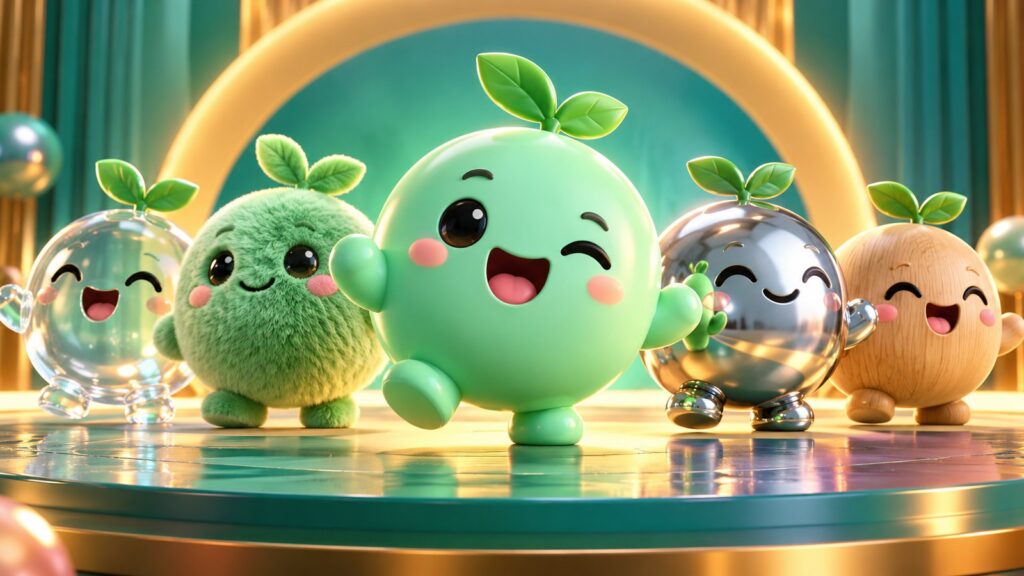
Premium video prompt kit — $5.00. Dot Mascot Character Reveal Film includes downloadable prompt instructions; AI model access and rendering credits are separate.
Dot mascot character starts with a clear subject, a readable silhouette and a strong visual decision. This original AI Craft Pad example gives you a direction to adapt, then a way to inspect and refine the result.
Mascot reveal video prompt pack is a premium short-video prompt kit with a full motion brief, camera plan, continuity locks, vertical adaptation and a repair workflow. The cover is original concept art showing the direction, not a generated-video frame.
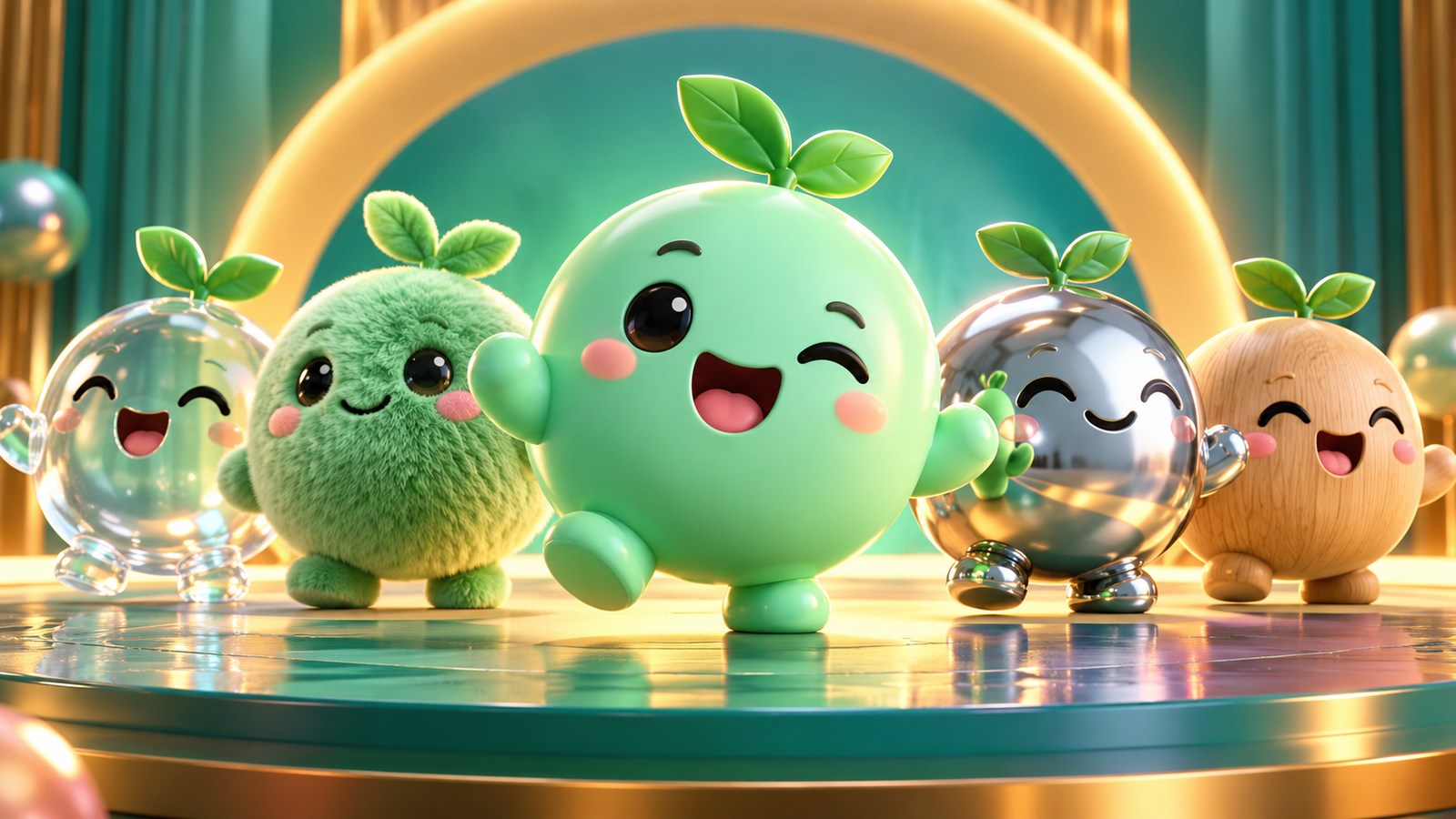
What happens in Dot Mascot Character Reveal Film
One round mascot rotates, changes expression and reveals two material finishes. Turntable camera with consistent studio lights and a clean final hero frame. The paid brief splits this into an establishing beat, a central change and a clean final hold. That structure is intended to give a video model a manageable action while still producing a scene with a beginning and ending.
Included in the download
- Copy-ready 16:9 master video prompt.
- Three-beat shot plan and subject continuity checklist.
- 9:16 adaptation notes for social clips.
- Failure diagnosis and repair instructions for morphing, flicker and camera drift.
- Start-here instructions and a truthful scope note.
What to review before publishing
Eye spacing, body shape and accent mark preserve identity. Compare the first, middle and final frames. Check that the camera path does not hide the action and that movement continues in the expected direction. A shorter clean clip is better than a longer clip with a broken subject.
A three-pass production method
Pass one establishes the location and subject before movement begins. Hold the camera in the position described in the brief: Turntable camera with consistent studio lights and a clean final hero frame. Render this short opening alone if the generator struggles to preserve the setting.
Pass two carries the visible event: One round mascot rotates, changes expression and reveals two material finishes. Ask for a single cause and a single result. Avoid adding a second character action, a simultaneous camera orbit or a rapid lighting transition until this central event works reliably.
Pass three is a clean end frame. Eye spacing, body shape and accent mark preserve identity. Settle the motion long enough for viewers to understand the result. This frame can also guide the vertical adaptation and thumbnail selection.
Fix the most common failures
- If the subject changes identity, shorten the shot and provide a consistent reference frame.
- If objects multiply or disappear, reduce the number of moving elements and separate the action into beats.
- If the camera loses the subject, choose a locked frame or a much smaller movement.
- If highlights flicker, keep the light direction fixed and reduce competing glows.
- For the portrait version, restage the framing around the action rather than cutting a wide image down the middle.
Test mascot reveal video prompt pack at normal speed and frame by frame. The first view reveals whether the story reads; the second catches shape changes and background jumps. Keep the best take only after both checks pass.
The kit supplies production instructions, not model credits or a guaranteed rendered video. Different generators interpret camera and motion instructions differently. The preview artwork is an original visual concept; any motion sample will be labeled separately from model output.
Price: $5.00 USD.
See more free creative prompts in the AI Craft Pad library.
How to refine dot mascot character
Start with this scene brief: A charming original mint-green round mascot rotating through expressions and material finishes on a colorful studio stage. Keep the central subject easy to read at thumbnail size. Make one version with the original composition, then create a second version that changes only the camera angle or lighting. Compare how each version guides the eye. Retain the version with clearer depth, consistent materials and fewer distracting details.
For dot mascot character, check the image or opening frame at full size and on a phone. Look for unwanted lettering, malformed shapes, drifting identities and repeated objects. If one detail fails, fix that detail before changing the entire scene. Save the best result with its prompt, aspect ratio and generation settings so you can repeat the direction later. If you use outside source material, consult the Creative Commons licensing guide and verify the specific rights yourself.
A final check for Dot Mascot Character Reveal Film: compare the result with its brief at full size and as a small card. Keep the version with the clearest subject, then record the setting or prompt change that improved it.