

Pixel Art Asset Prompts: Grid, Palette and Readability
A pixel-art asset must read at its intended size, not just when enlarged.
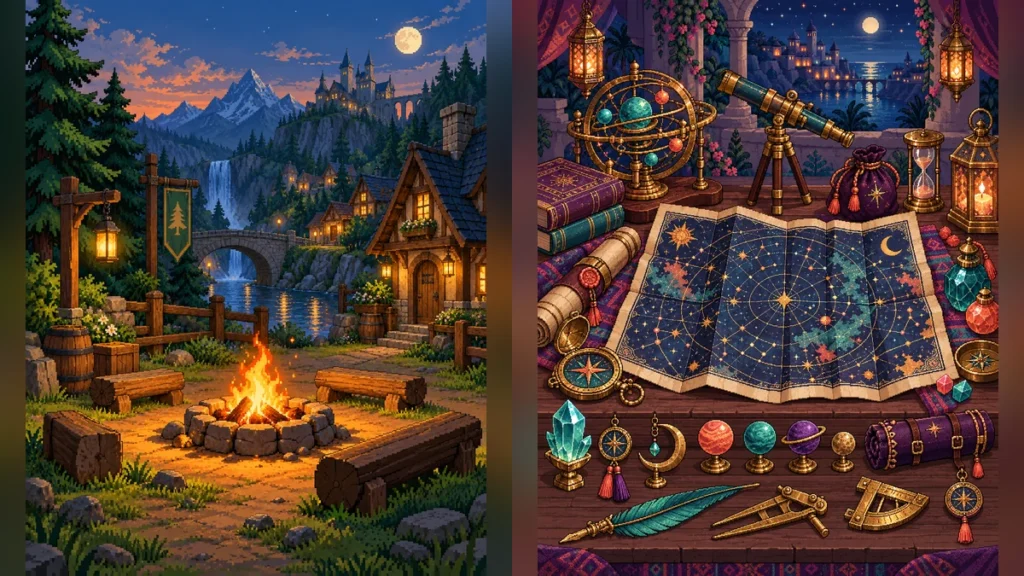
An ornate item can look impressive at 1,000 pixels wide and disappear in a 48-pixel inventory slot. Write the pixel art asset prompt around the final viewing size.
Define the item family
Choose a common light direction, outline weight, pixel density, and palette. Distinguish each object with its main shape before adding texture: a lantern is tall with a bright chamber, a toolkit is wide and clasped, and a map is thin and folded. If six assets all share the same silhouette, more surface detail will not help.
Ask for construction details
List two or three details that make the item function: a handle attached to a lantern body, a hinge on a box, a strap on a satchel. Keep highlights and shadows consistent. Avoid miniature text, because image models often turn it into distracting pseudo-letters.
Test in the real interface
Place each asset on the actual background color at native size. Can a player name it without a tooltip? Does it stand apart from neighboring items? Inspect enlarged pixels for blur or uneven grid spacing, then return to native size for the final judgment. Save both isolated originals and a clean set overview. A collage is useful as a catalog, but the individual item images remain the deliverables.