

How to Prompt Four Seasons in One Image
Follow clear steps for four seasons in one image, from scene structure and lighting to final image checks.
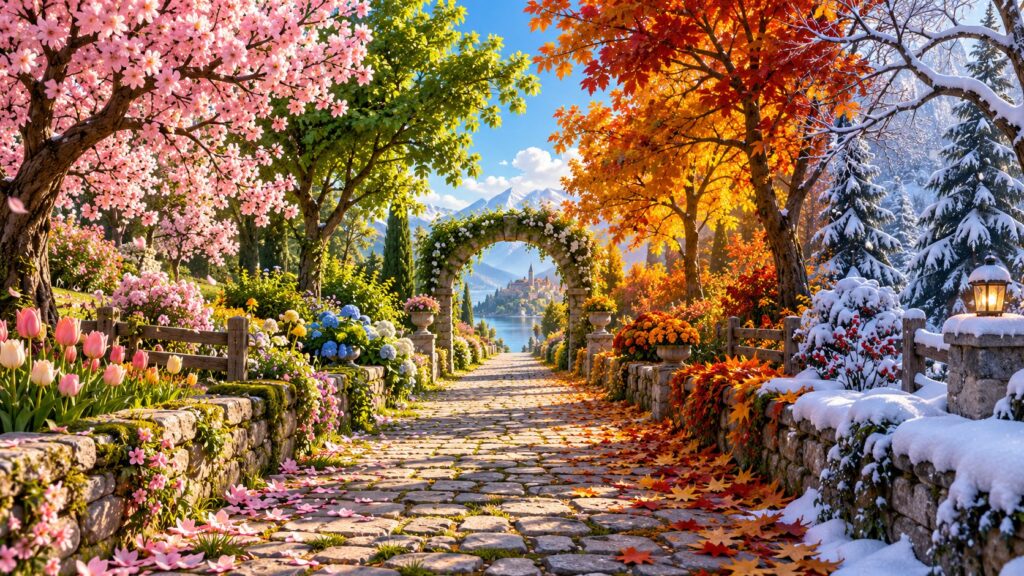
Quick answer: To make a four seasons in one image, lock the subject, camera, scale and two light sources before requesting ornamental detail. Work from a simple draft toward a polished image and compare each version at the size where people will see it.
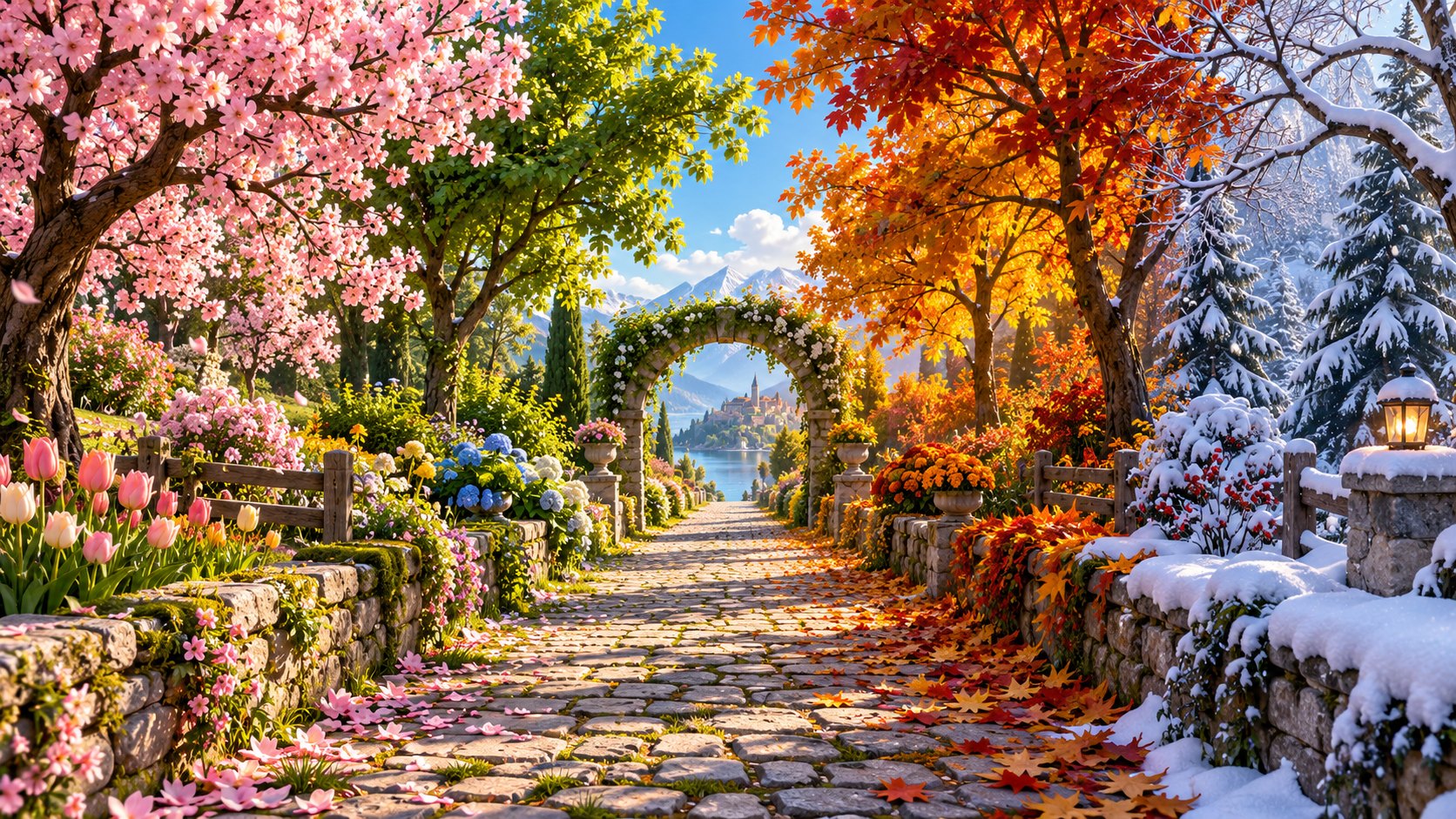
What you need
- An image generator that supports descriptive prompts.
- A one-sentence scene idea and an intended aspect ratio.
- A place to save the prompt and candidate images for comparison.
This guide uses the original scene above as an example. You can change the subject, but keep the sequence: structure first, decoration second, verification last. The steps are model-agnostic because interface labels and options differ across products.
1. Pick a frame that naturally divides the image into four spaces
Write this choice at the top of the brief. If the image introduces a second main idea, remove it before polishing surface details.
2. Assign one unmistakable visual cue and palette to each season
Treat the camera and frame as fixed for the first comparison. A stable frame makes scale errors easier to identify.
3. Fix the camera position and door geometry before adding detail
The supporting objects should explain the world, not steal attention. Inspect their relative size at thumbnail scale.
4. Keep the portal boundaries visible
Light should reveal form and guide the eye. If every area glows equally, reduce one source instead of adding another.
5. Ask for colored spill light that matches each world
Save each candidate with the instruction that produced it. Compare composition before judging small decorative details.
6. Count the portals and check for season leakage or duplicated objects
Mark the specific flaw you would fix next. A controlled revision is easier to evaluate than a complete rewrite.
A starter instruction to adapt
Create a landscape 16:9 illustration of an antique wardrobe opening into four distinct seasonal landscapes in a quiet attic with a wooden floor and a single window. Compose it as a frontal view with the wardrobe central and four equally clear doorways inside. Use spring pink, summer gold, autumn scarlet and winter blue spilling onto the floor. Preserve believable perspective and scale. Add carved wood, door depth, varied foliage and a shared perspective through each portal. Avoid seasons blending together, five or more portals, text labels, impossible door hinges or tiny unreadable landscapes. No words, logos or watermark.
Final quality check
- The central idea reads at a glance.
- Near, middle and far elements have distinct scale.
- All shadows and reflections follow the intended light.
- Edges stay useful after cropping to a card or mobile view.
- You saved the exact prompt used for the chosen result.
If the first result misses the idea
For four seasons in one image, diagnose the failure before adding more adjectives. If scale is wrong, specify a reference object. If the main subject is hidden, change the camera or simplify the background. If the light feels artificial, remove a competing glow. If the image contains distorted lettering, request no lettering and add typography later. The original scene depends on carved wood, door depth, varied foliage and a shared perspective through each portal; prioritize those details only after the overall composition works.
A multi-panel fantasy image only works if the structure unifies the panels. The wardrobe provides one perspective and lets each season keep its own palette.
If the image fails one of these checks, revise only the failing constraint. Rewriting the entire prompt makes it harder to learn which change helped. Save the strongest candidate and record the final settings beside it.
Use the ready-to-copy prompt for a quicker start, read the companion article for the design reasoning, or explore more AI Craft Pad guides.
Final review for four seasons in one image
Review four seasons in one image at full size and as a small card. Hold the camera and central structure steady so seasonal changes remain easy to compare. Compare the first result with a second version that changes only one camera or lighting choice.
Keep the strongest four seasons in one image version, then check perspective, material detail and the crop on a phone. For real-world visual reference, browse the Wikimedia Commons image library and verify the license of any image you reuse.