

Living Coral Miniature City Prompt
Create coral miniature city with a copy-ready prompt, three variations and a visual quality checklist.
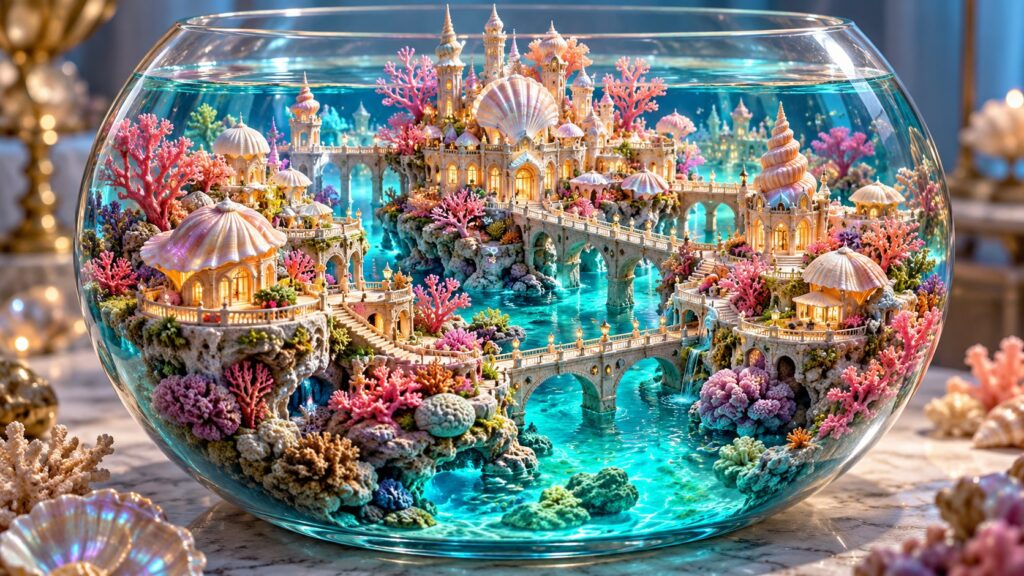
Coral miniature city turns a single imaginative idea into a specific, repeatable visual brief. Use this free prompt in an image model, then adjust the camera, lighting or detail level one variable at a time. The cover above is an example of the intended direction, not a guarantee of identical output.
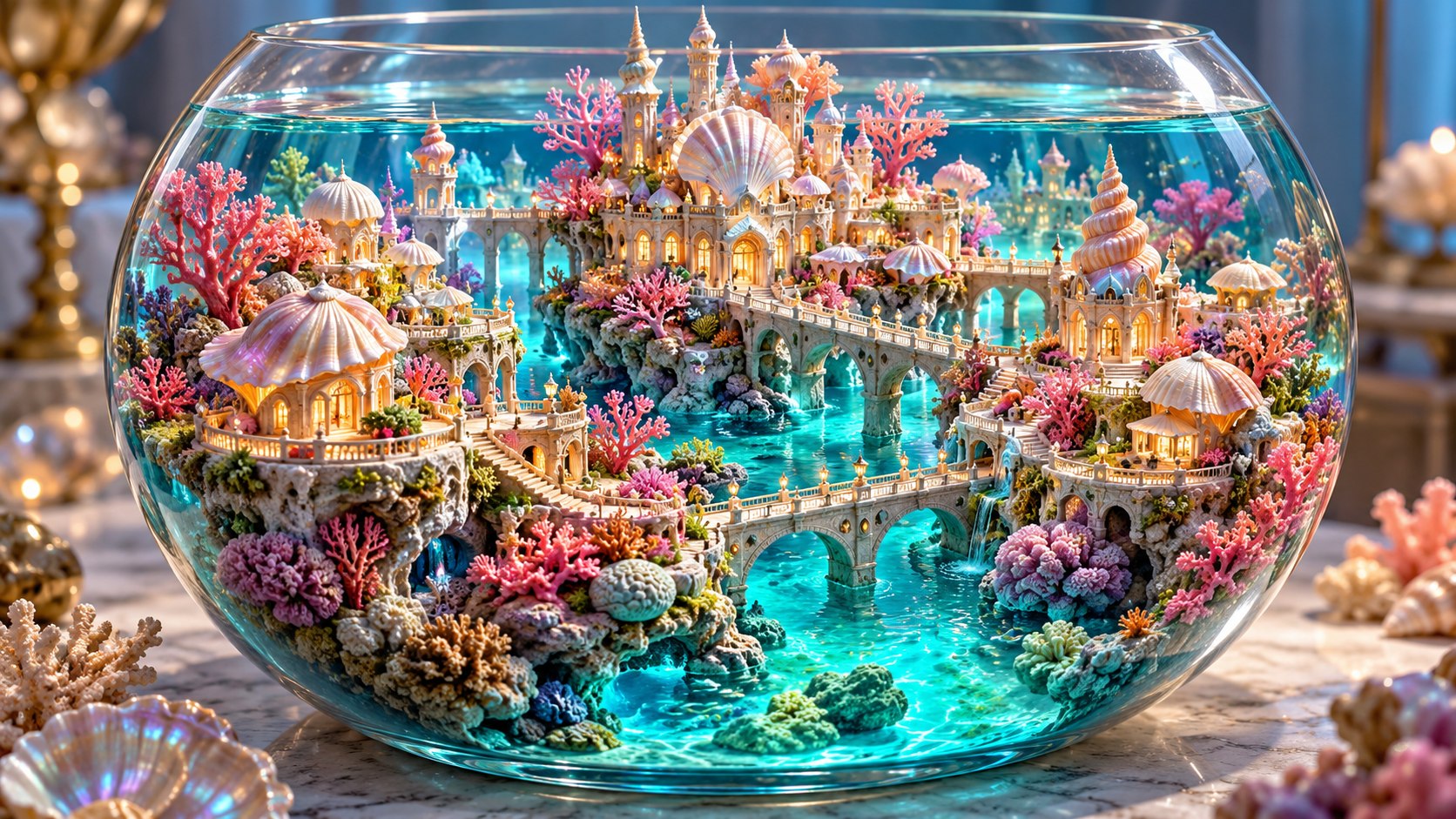
Copy-ready coral miniature city prompt
Create an original, cinematic landscape illustration of a handcrafted miniature city grown from living coral and shell rooftops in a clear glass bowl on a dark studio table. Use a three-quarter diorama view showing the complete bowl and its tiny bridges. Lighting: soft studio key light with turquoise canal glow and coral-pink accents. Include tiny windows, shell shingles, translucent canals, bowl reflections and a few reef plants. Give the main subject a clean readable silhouette at thumbnail size, maintain consistent perspective and believable material behavior, and keep the atmosphere inviting. Make the scene rich and colorful without turning every detail into the focal point. Avoid oversized sea animals, flat painted water, repeated buildings or glass reflections hiding the city. No words, logos, watermark, border or user interface. Deliver a polished 16:9 image with room for a safe crop near the edges.
What to change first
Start by deciding whether you want a wide establishing scene or a closer character moment. Preserve the main subject and its physical relationship to the setting while changing one camera choice. Then choose one dominant warm color and one dominant cool color. This gives a clear comparison between outputs instead of ten unrelated images.
A diorama asks the viewer to believe in both the fictional city and the physical object containing it. The bowl rim and tabletop shadows are as important as the coral towers.
Three original variations
- Use a shallow ceramic dish instead of glass.
- Show a partial cutaway into a coral tower.
- Place the bowl near a sunlit window with realistic tabletop scale.
Where this scene works best
This coral miniature city is designed for a wide story illustration, mood board or digital postcard. If you need a portrait print, regenerate with a portrait frame instead of cropping away the subject. For a website card, keep the strongest shapes in the middle and leave spare space around the edges. The generated image can also serve as a starting point for a character sheet or a short visual story, but each new format needs its own camera and continuity instructions.
Keep the original prompt beside every variation. Note which camera position, palette and material instruction changed, then choose the result that communicates the idea most clearly. A vivid color palette is useful only when the main subject remains easy to find.
Check the result before using it
- The focal subject is recognizable when the image is displayed as a small card.
- Light, shadows and reflections agree with the stated sources.
- Perspective, anatomy and repeated objects remain coherent.
- There are no accidental words, logos or artifacts in decorative details.
- The crop leaves the important subject intact on desktop and phone.
For a practical editing sequence, see our related guide below.
Continue with the step-by-step guide or read the visual design article. Explore more free ideas in the AI prompt library.
Frequently asked questions
Can I replace the style?
Yes. Replace the style language while keeping subject, composition and lighting constraints. Compare the new result against the same quality checklist.
Should I put words into the image prompt?
Add exact typography later in a layout editor. Image generation may distort letters, especially at small size.
Final review for coral miniature city
Review coral miniature city at full size and as a small card. Make bridges and coral buildings feel connected while keeping miniature scale cues visible. Compare the first result with a second version that changes only one camera or lighting choice.
Keep the strongest coral miniature city version, then check perspective, material detail and the crop on a phone. For real-world visual reference, browse the Wikimedia Commons image library and verify the license of any image you reuse.