

Moonlit Botanical Specimen Card Prompt
Create a dark botanical specimen card with fine ink detail and intentional space for accurate scientific labels.
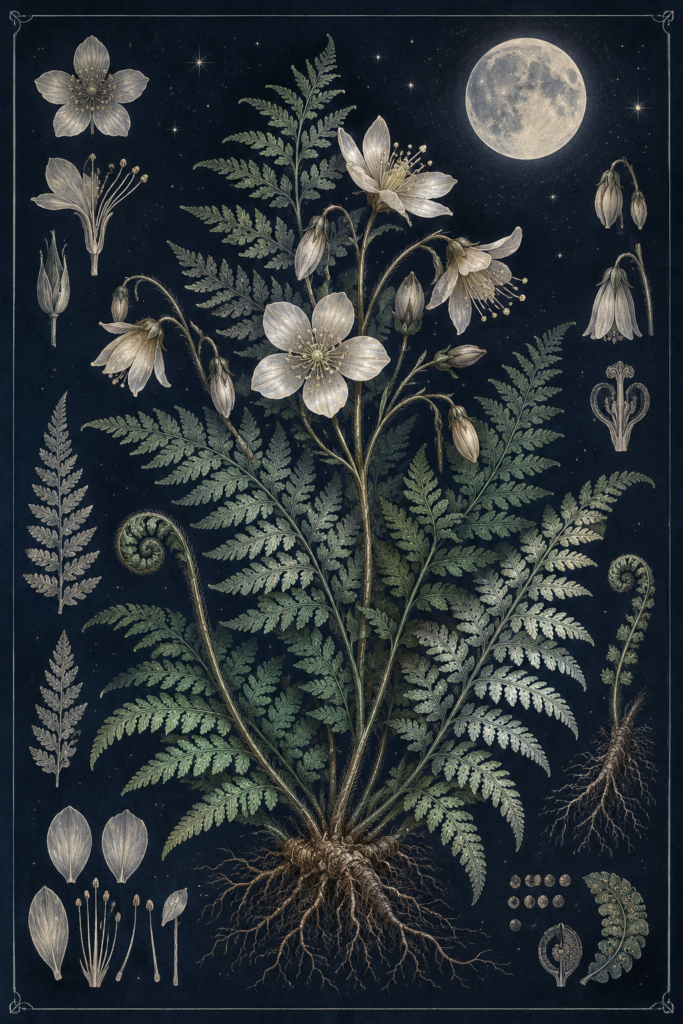
Moonlit Botanical Specimen Card Prompt
Use this moonlit botanical specimen card prompt to develop an original original image series with clear constraints and review checks.
This original night-garden card uses decorative botany rather than claiming to be a scientific plate. Replace invented details with researched information if publishing educational material.
moonlit botanical specimen card prompt
Illustrate a centered botanical specimen of [PLANT OR ORIGINAL FANTASY PLANT] on deep indigo paper. Show the whole plant from roots to flower, with three small detail studies of leaf, bud and seed arranged around it. Use delicate pale ink linework, restrained sage and silver washes, and fine paper grain. Keep the main silhouette visually dominant and the detail studies clearly separated. Leave clean space for a real typeset specimen name and source note. No generated letters, labels, watermark, photographic texture or botanical anatomy that contradicts the chosen real species.
Three controlled variations
- Night-blooming garden flower.
- Alpine fern in moonlight.
- Invented luminous marsh plant labeled as fiction.
How to use it
Choose whether the card is decorative or educational before generating. For a real species, check leaf arrangement, root type and flower anatomy using reliable references. Typeset any taxonomy and sources after the art is approved.
Quality check
Review the final image at full size and at the intended display size. Check the main subject, material consistency, spatial logic and any accidental text. Save the selected prompt and settings with the approved result; a concept image still needs editorial review before commercial use.
Browse the AI Craft Pad prompt library for more original directions.
When publishing the moonlit botanical specimen card result, review descriptive alt text for the finished preview with the W3C image accessibility tutorial. Check the final output before presenting it as finished work.