

 Free beta · Windows 10/11 · Version 1.5.0
CircuitForge AI
Design electronics projects, inspect wiring and power, and turn your ideas into a buildable plan — all in one Windows desktop workspace.
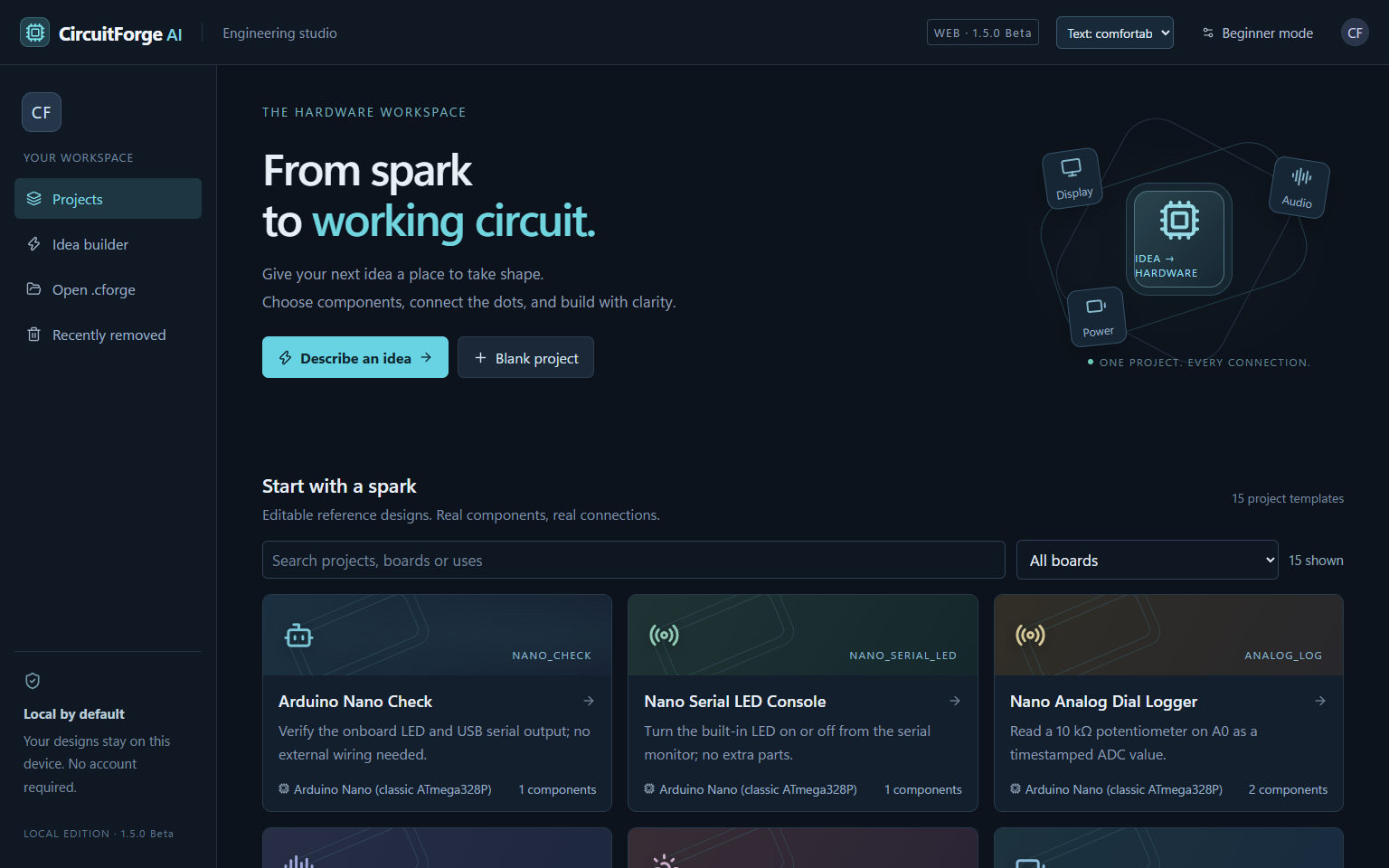
From first connection to working plan
CircuitForge AI brings the practical steps of an electronics project into one place. Start with a template or a blank workspace, then refine your circuit as you go.
Visual circuit planning
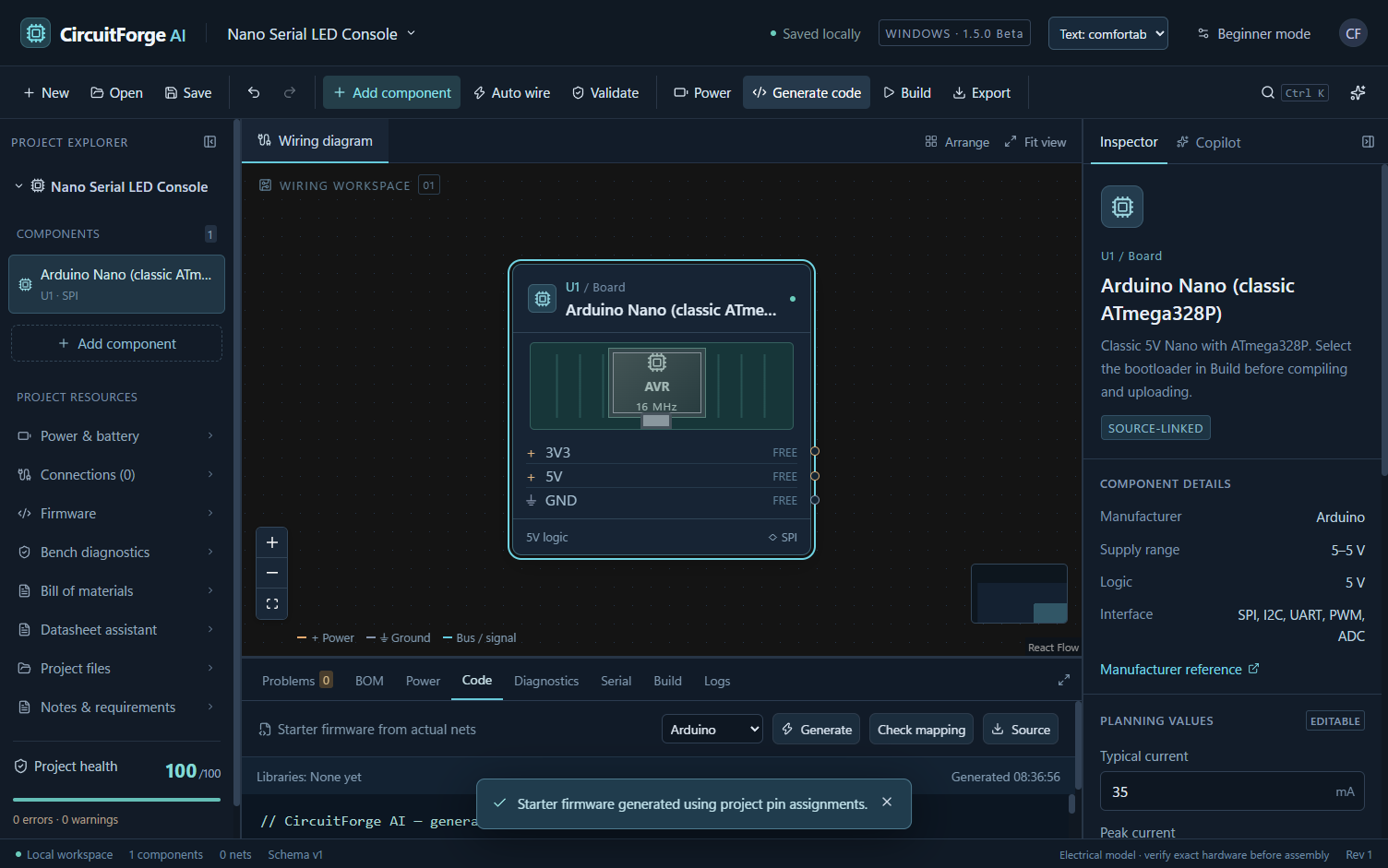
Place supported boards and modules, connect pins, and inspect a clear wiring diagram before touching the hardware.
Useful checks
Review connections, power requirements and common electrical issues. The checks help catch mistakes early; they do not replace hardware testing.
Starter firmware
Generate an editable code starting point for supported projects. Review it and test it on your actual board before use.
Bill of materials
Keep project parts, board choices and connections together, then export documentation for your build.
Board choices
Explore classic Arduino Nano and Uno, ESP32-S3, ESP32-C3, ESP32 DevKitC V4 and Raspberry Pi Pico W in the catalog.
Optional local AI
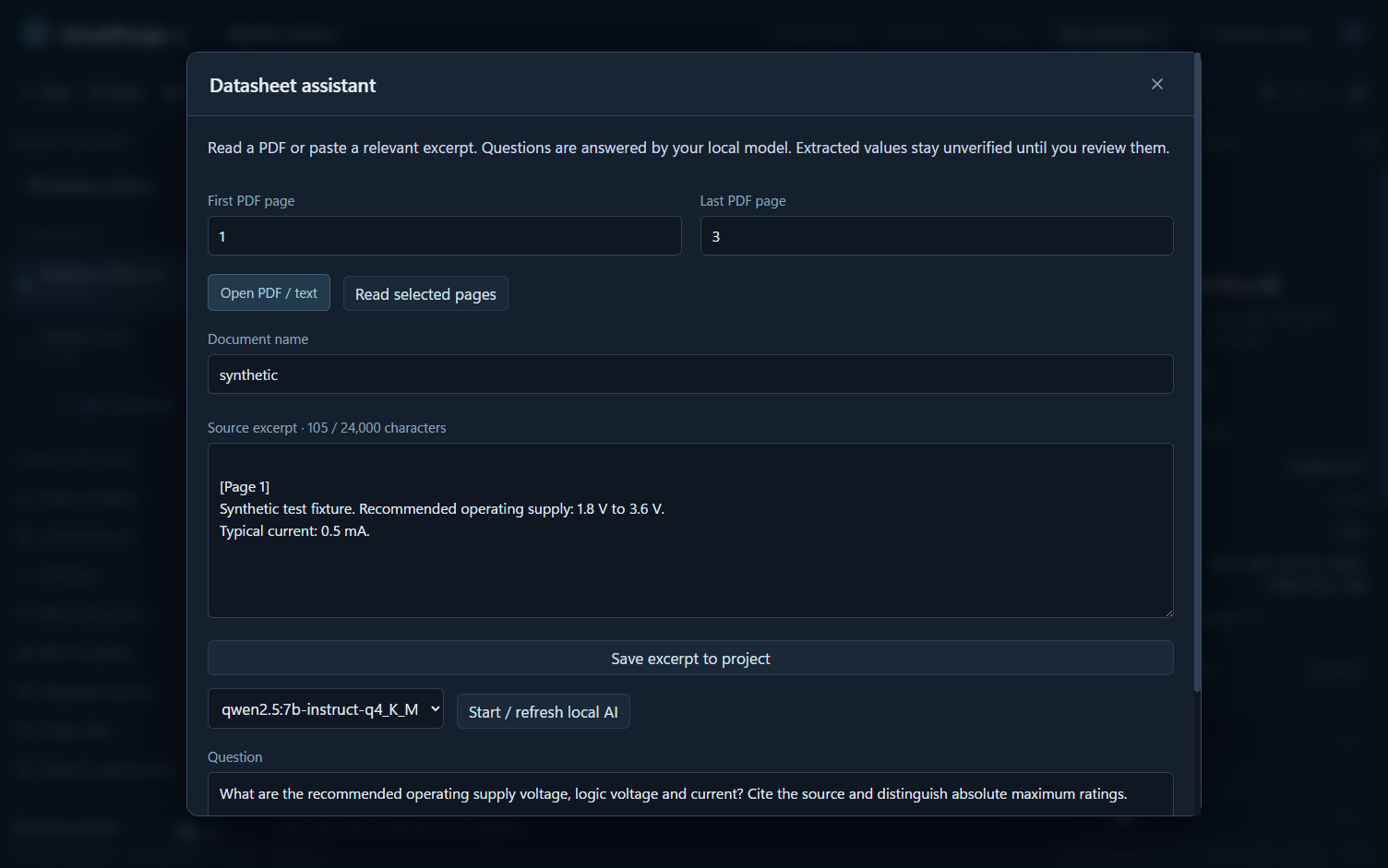
Use an independently installed Ollama model for local assistance. CircuitForge AI works without an AI account or subscription.
See CircuitForge AI in action
A closer look at the project editor, diagnostics, component details and code workspace.


Try CircuitForge AI Beta
Portable Windows x64 ZIP · Version 1.5.0 · Approximately 200 MB. No payment, account or subscription is required.
Download for WindowsPublisher: AI Craft Pad. This is a beta release; save backups of important projects and test generated work on real hardware.
Get started in three steps
- Download the ZIP and extract the entire folder.
- Open the extracted CircuitForgeAI folder.
- Run CircuitForge AI.exe and choose a template or new project.
Windows may show a warning for this unsigned beta. Review the file and publisher before running any downloaded software. SHA-256: C80C6F64075BD0039D8776659F615868A4CDF6F259A83445124219894A2EC9AE
What to know about this beta
CircuitForge AI is a planning and development tool. Its electrical checks and generated code are aids, not safety certification. The classic Nano workflow has been physically checked; other board families and external modules still need project-specific testing. Optional board compilation, upload tools and Ollama models are separate installations.
Is CircuitForge AI really free?
Yes. This beta download has no payment, subscription or required account.
Do I need an AI service?
No. Core project design works without it. Local AI assistance is optional and requires your own Ollama installation and model.
Which operating systems are supported?
This download is packaged for 64-bit Windows 10 and Windows 11.
Can I use it without a physical board?
Yes. You can explore templates and plan projects without hardware. Verify the wiring, power and firmware with your exact components before building.
 Published by