

Recycled Mini-PC AI Server
Turn a retired x86 mini-PC into a private, local text-generation workstation using an officially installed Ollama service and a tiny loopback-only client.
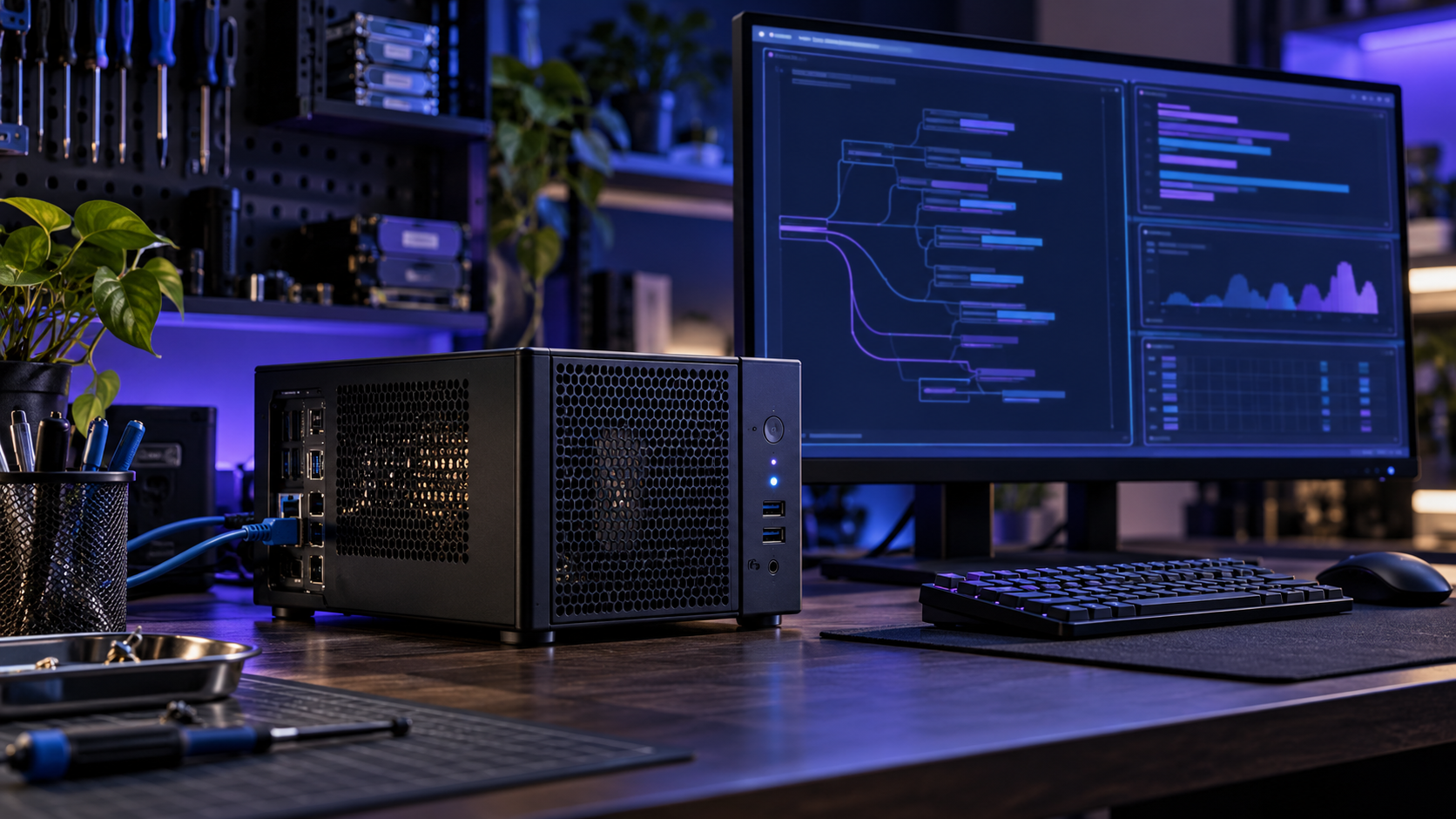
Concept diagram · verify components before building
Purpose and use cases
Reuse working hardware for local AI experiments without making its model API public.
- Run short local drafts on a trusted desktop
- Explore model size and response time on reused hardware
- Keep test prompts on the machine rather than in a hosted service
Bill of materials / components
- Working x86-64 mini-PC with at least 8 GB RAM, 30 GB free storage and functioning cooling
- Original or manufacturer-rated power supply; wired keyboard and display for setup
- Supported Linux distribution with security updates
- Ollama installed from its official Linux instructions and one model that fits available RAM
- Ethernet optional for updates; the sample client connects only to 127.0.0.1
Architecture / wiring
Local terminal → Python client.py → http://127.0.0.1:11434/api/generate → Ollama service → local model files. No router port forward, public DNS or reverse proxy.
A printable architecture diagram and exact BOM are included in the ZIP.
Step-by-step build
- Inspect the reused PC: fans, storage health, cables and PSU. Clean dust with power disconnected; stop if wiring or battery is damaged.
- Install a supported Linux release, apply OS updates and create a non-admin daily user.
- Install Ollama from its official documentation; confirm the service and default local endpoint on 127.0.0.1:11434.
- Choose a model based on actual RAM and storage. Pull it with ollama pull MODEL and verify ollama list.
- Run python client.py –health, then python client.py –model MODEL –prompt 'Give three desk organization tips.'
- Use a second terminal to confirm the listener remains on loopback. Keep firewall and router port forwarding closed; record RAM use and response time in the included acceptance sheet.
Code, firmware and downloadable files
README.md, client.py, acceptance.csv, architecture.svg and BOM.csv; Ollama/model binaries are downloaded from official sources
python client.py --health
python client.py --model YOUR_INSTALLED_MODEL --prompt 'Give three desk organization tips.'
Setup and configuration
The sample client refuses non-loopback base URLs. Set –model to the exact installed model tag. If a model exhausts memory, unload it, choose a smaller model and retest. Treat generated output as draft material requiring review.
Safety and validation
Unverified hardware build. Used hardware may have failing disks, fans or power supplies; inspect before continuous operation. Do not expose the unauthenticated Ollama API to a LAN or internet. Do not place secrets in test prompts or publish model outputs unchecked.
Software checks are documented in the README. A physical assembly and end-to-end hardware run have not been verified by AI Craft Pad.
FAQ
How much RAM do I need?
At least 8 GB is a starting point; exact requirements depend on the selected model and context length.
Can other devices connect?
This free guide intentionally stays on the same machine. Remote access needs a separate authenticated, threat-reviewed design.
Is the result guaranteed private?
The sample client uses loopback. Confirm your Ollama service binding and review OS and model settings on your own machine.
Official references
Next step and possible Pro edition
A possible Pro edition could add a hardened multi-user gateway, measured hardware profiles and backup/restore guidance after security review.