

USB GPS Logger
Record valid NMEA RMC fixes from a USB GNSS receiver into CSV and GPX files for later review.
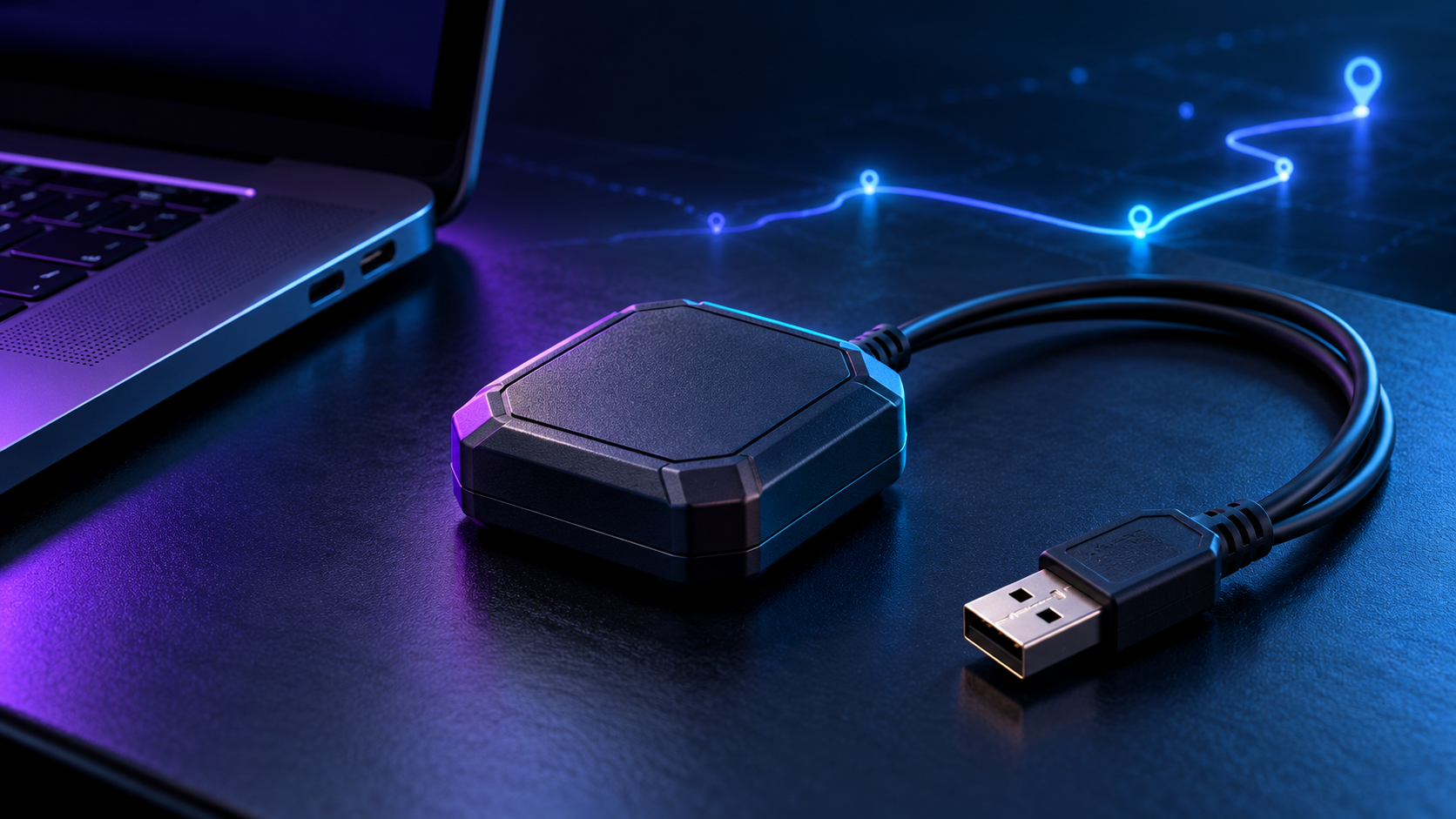
Use cases
- Log a walk or drive for later map review
- Collect test tracks for location prototypes
- Confirm a USB GNSS receiver is reporting valid fixes
Components
- USB GNSS receiver that emits NMEA 0183 RMC over serial
- Windows, Linux or macOS computer with Python 3 and USB
- Outdoor sky view for initial fix
Architecture / wiring
GNSS satellites → USB receiver → serial NMEA RMC → checksum/status parser → CSV + GPX
Match the exact hardware model stated above. Keep the LAN services on a trusted private network.
Build instructions
- Install Python 3 and run python -m pip install -r requirements.txt.
- Run python gps_logger.py –self-test to check parsing.
- Identify your real serial port, such as COM5 on Windows or /dev/ttyUSB0 on Linux, and the receiver baud rate.
- Run python gps_logger.py –port COM5 –baud 9600 –csv track.csv –gpx track.gpx, replacing the port and baud as needed.
- Wait for a valid fix, then press Ctrl+C. Open the CSV or import the GPX in a compatible map app.
Code, firmware and files
The downloadable source pack contains: gps_logger.py, requirements.txt and README.md; track.csv and track.gpx are generated during a session. Open the folder named usb-gps-logger after extracting the ZIP. Start with its README and run the local check below.
python gps_logger.py --self-test
Validation
Parser self-test passed for coordinates, checksum rejection and invalid-fix rejection. Live serial capture requires a receiver.
Run the listed checks on your own setup before relying on hardware results.
USB GPS Logger setup notes
The USB GPS Logger reads NMEA RMC sentences from a USB GNSS receiver and writes valid position fixes to local CSV and GPX files. It does not need a cloud account or mobile data connection. Check that your receiver actually outputs serial NMEA RMC; some devices use a different protocol or need vendor configuration. The source pack includes a sample stream and self-test so you can verify the parser before going outdoors.
Connect the receiver, identify its serial port, and use the baud rate specified by its manufacturer. Install the documented Python dependency, then start the logger with the port and output path from the guide. Give the antenna a clear sky view for the first fix. A connected receiver may print sentences without a valid position yet; the logger deliberately skips those records. After a short walk, open the CSV to check timestamps and coordinates, then import the GPX into your preferred map viewer.
If no records appear, inspect the port name, baud rate, USB cable, and receiver permissions before changing parser code. Do not rely on a recorded track for safety-critical navigation. Files stay on your computer, so decide how you want to store or share sensitive location history. The official pySerial documentation covers serial ports and platform-specific setup. Hardware accuracy, sky conditions, and update rate depend on the receiver you choose.
FAQ
No rows?
Go outdoors and verify port, baud and valid RMC fix status.
Wrong position?
Check antenna placement and wait for a stable fix.
Navigation use?
This is a DIY logger, not a safety-critical navigation device.
Next step
Build the free edition, then adapt it to your desk. Live maps and track filtering are possible later extensions. These are future plans, not features in this download.