

AI Website Design Prompts: Structure Before Style
AI website design prompts for original website projects. Five adaptable examples with production checks and practical next steps.
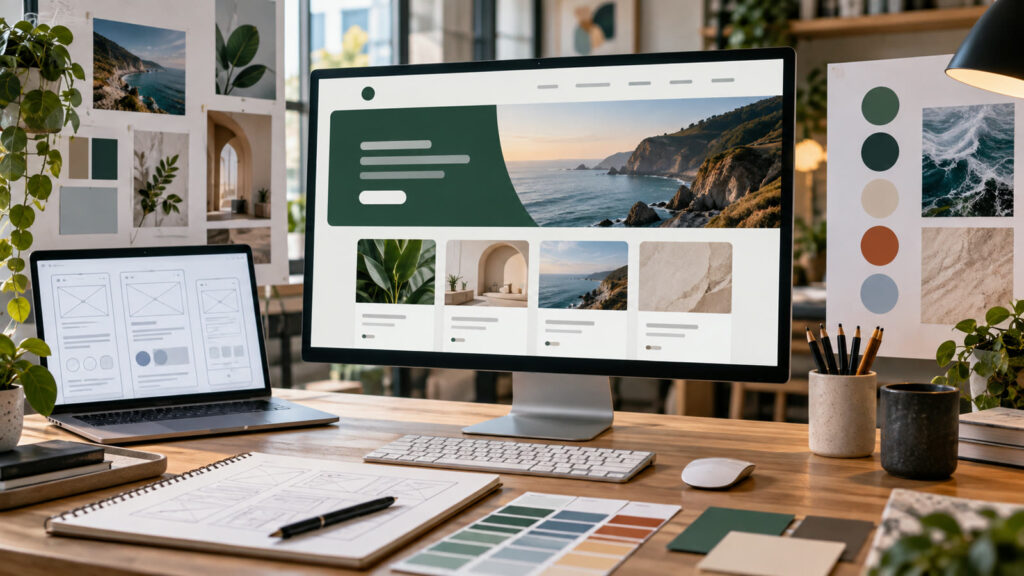
AI website design prompts can turn a broad idea into a useful visual brief when the audience, output size, and success criteria are explicit. A useful website prompt starts with visitor tasks, content and accessibility. Color and visual style come later. These examples cover a portfolio, a local service, a small shop, an editorial hub and a product dashboard, with a clear way to turn mockups into buildable requirements.

Build a clear website design brief
List the audience, top tasks, required content, primary action and constraints. Ask for a sitemap and page hierarchy before a high-fidelity screen. Specify responsive behavior, navigation labels, loading priorities and form states. Keep text as editable content rather than baked into a generated screenshot.
Before generating, decide where the result will appear. Specify the aspect ratio, how much space should remain for edited text, the intended audience, and any brand or personal details that must stay consistent. Keep typography outside the generated image when exact spelling matters. Save the source prompt and compare several outputs at the final viewing size.
Five AI website design prompts to adapt
1. Freelance portfolio
Design a responsive portfolio for an independent product designer. Lead with a concise value statement, three case studies with outcomes and methods, an about section and an accessible contact form. Provide a desktop and mobile wireframe before style directions. Use calm typography and real project placeholders, no invented client logos or testimonials.
2. Local repair service
Plan a website for a neighborhood appliance repair business. Visitors need service area, supported appliance types, booking steps, hours, contact and realistic pricing policy. Show mobile-first homepage and service detail layouts, visible call CTA and accessible form feedback. Use authentic work photography, not fake certification badges or impossible response promises.
3. Small ecommerce catalog
Create a website design brief for a small ceramics shop with category browsing, product detail, cart and returns information. Show a clear product-card system, filters that work on mobile and honest stock messaging. Provide desktop and phone layout patterns plus loading and empty states. Keep product descriptions, prices and reviews tied to real data.
4. Editorial article hub
Design an editorial website for practical guides. Make topic navigation, search, article cards, author context, reading width and related links easy to scan. Provide a responsive grid, accessible filter controls and a clean article template with images and citations. Avoid tiny type, decorative blocks before the main content and generated text embedded in images.
5. SaaS dashboard shell
Sketch a web app dashboard for a small operations team. Prioritize current tasks, alerts, recent activity and one clear action per panel. Define empty, loading and error states; design keyboard focus and readable data contrast. Produce a sitemap and two responsive wireframes before visual polish. Do not fabricate metrics or claims in sample cards.
How to refine AI website design prompts
Compare each design against the real task list. Ask a user to find the next step, locate a key policy and complete a form using the wireframe. If they hesitate, revise labels and order before changing colors. A polished AI mockup can hide missing states and technical constraints.
For a second pass, change one variable at a time: lighting, camera angle, color range, character gesture, or layout. This makes comparisons meaningful. If the image will support an offer, add the real copy and logo in a layout editor after the visual is approved. Never let a model invent product claims, prices, dates, or customer testimonials.
Quality and publishing checklist
Check heading order, touch targets, contrast, focus visibility, form labels, image alt and mobile overflow. Verify that every headline, product or statistic has an owner and source. Convert the approved mockup into components and test real content lengths rather than relying on placeholder text.
Inspect the output at the dimensions used on the final page or device. Look for inconsistent anatomy, repeated objects, broken perspective, unreadable small details, and a focal point hidden by the crop. Write descriptive alt text for informative web images; the W3C image tutorial offers a useful decision guide. Explore the prompt catalog and more practical articles for related workflows.
Frequently asked questions
Should I ask AI for a homepage screenshot first?
Start with audience, tasks and structure. A screenshot is more useful after those decisions are clear.
Can a generated mockup be handed straight to developers?
Add responsive rules, content specifications, interactions and error states before implementation.