

Rural Tourism Website Prompts With Authentic Local Detail
Rural tourism website prompts for original rural tourism website projects. Five adaptable examples with production checks and practical next steps.
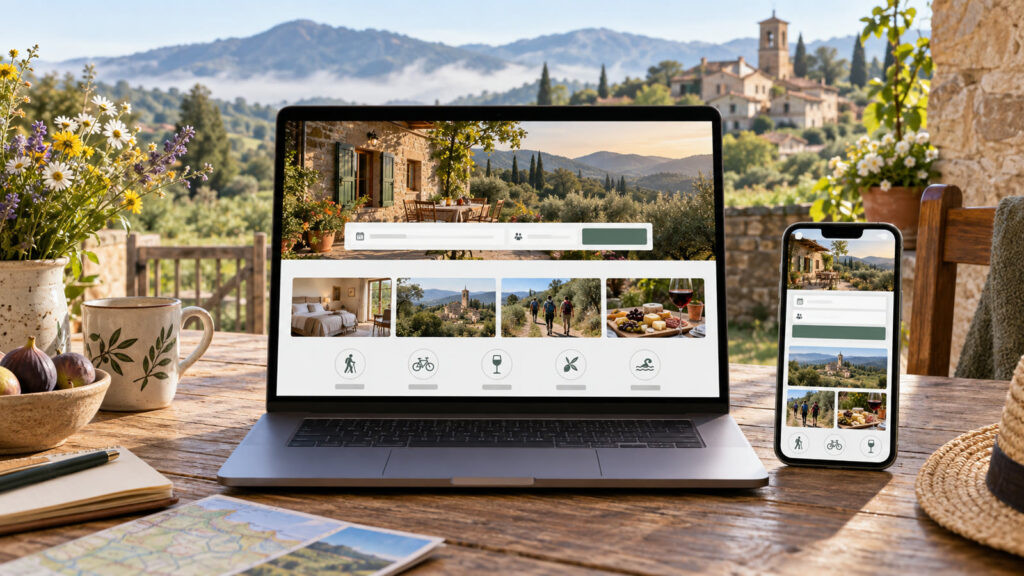
Rural tourism website prompts can turn a broad idea into a useful visual brief when the audience, output size, and success criteria are explicit. A rural tourism site succeeds when visitors can picture the stay and plan it with confidence. AI can organize content and visual concepts, but directions, accessibility, availability and local claims must come from the actual host. These prompts cover a guesthouse, village guide, activity booking, seasonal page and image brief.
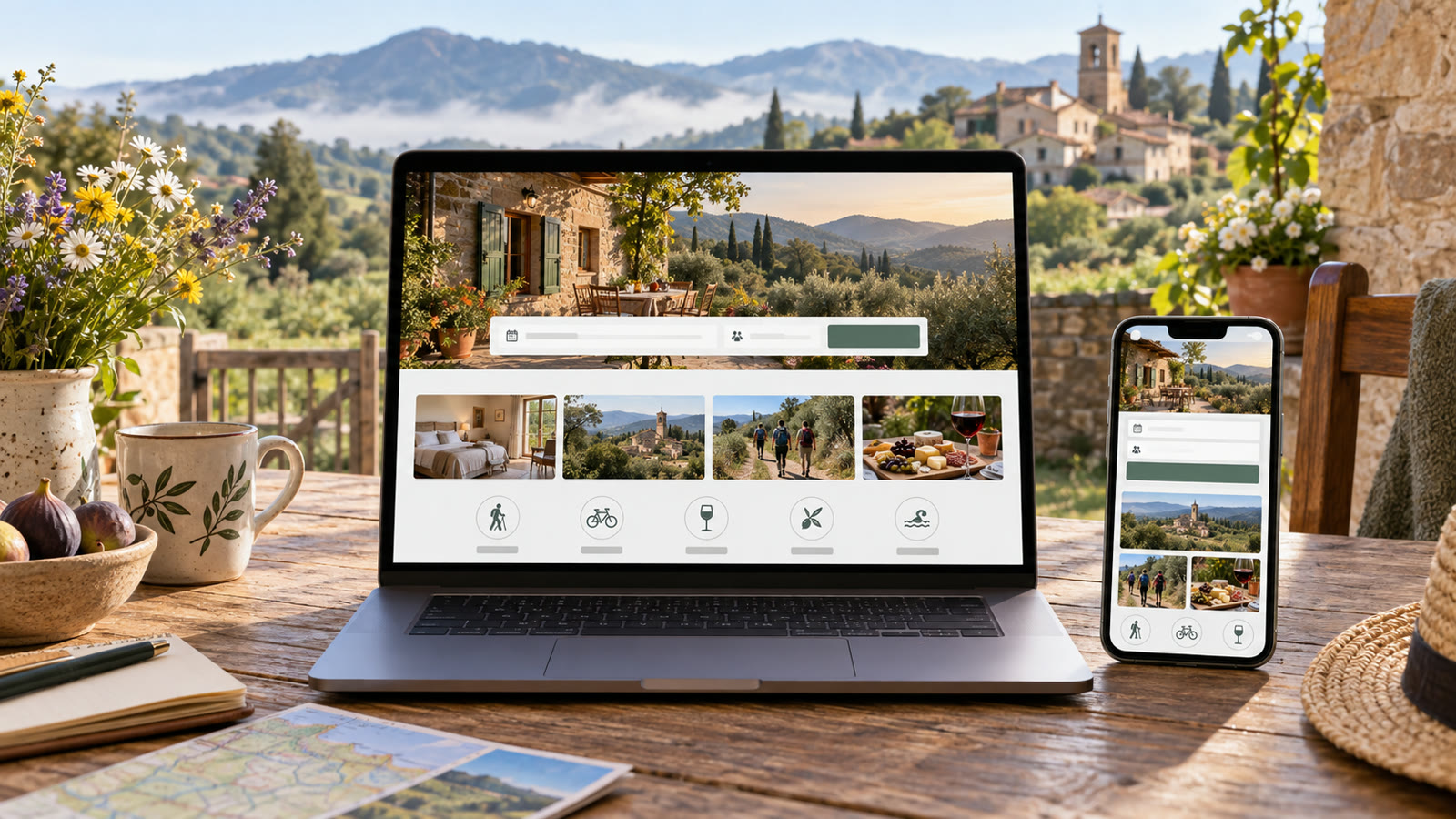
Build a clear rural tourism website brief
Collect verified location, transport, rooms, prices, availability, accessibility, cancellation policy and nearby activities. Ask AI to organize the visitor path from curiosity to booking. Show real photographs where possible. Define a mobile-first layout, clear contact method and useful FAQ before choosing rustic visual style.
Before generating, decide where the result will appear. Specify the aspect ratio, how much space should remain for edited text, the intended audience, and any brand or personal details that must stay consistent. Keep typography outside the generated image when exact spelling matters. Save the source prompt and compare several outputs at the final viewing size.
Five Rural tourism website prompts to adapt
1. Guesthouse home page
Design a mobile-first rural guesthouse home page using supplied real room photos and verified details. Lead with what the stay feels like, location, available dates and booking action. Include room types, transport, accessibility, cancellation terms and host contact. Warm but restrained design, readable typography, no invented landscape, amenities, reviews or star rating.
2. Village visitor guide
Create an editorial village guide page from a verified list of local landmarks, food options and opening times. Group activities by walking distance and visitor interest. Include a simple map concept, transit notes and links to official sources. Flag unverified claims rather than filling gaps. Keep the page useful when some businesses are closed seasonally.
3. Farm activity booking flow
Plan a booking page for a rural workshop using real capacity, duration, age guidance, safety notes and weather policy. Show clear calendar states, group-size input, confirmation and cancellation information. Use authentic workshop imagery, not staged activities. Provide desktop and phone layouts with labels and error messages, no invented availability.
4. Seasonal autumn escape
Write a landing-page outline for an autumn village stay that highlights real harvest events, trails and indoor alternatives. Keep the main accommodation offer, dates and booking CTA visible above decorative photography. Suggest original autumn visual prompts only for generic mood art, while factual location imagery comes from host photos. Do not fabricate event schedules.
5. Authentic photo brief
Create a photography shot list for a rural tourism website: room approach, sleeping area, bathroom, dining space, accessible routes, village street and one local activity with permission. Specify consistent daylight, truthful dimensions and mobile-safe compositions. Identify which photos must be real evidence and where a generated decorative illustration could be clearly labeled.
How to refine Rural tourism website prompts
Walk through the site as a first-time visitor on a phone. Can they find how to arrive, what is included, what may be difficult and how to book? Ask a local host to correct descriptions and a guest to test the flow. Use AI to expose missing questions, not to invent answers.
For a second pass, change one variable at a time: lighting, camera angle, color range, character gesture, or layout. This makes comparisons meaningful. If the image will support an offer, add the real copy and logo in a layout editor after the visual is approved. Never let a model invent product claims, prices, dates, or customer testimonials.
Quality and publishing checklist
Verify every map point, route, opening time, amenity, price and event against current owner information. Test booking and inquiry forms. Add descriptive alt text to informative photos and keep contrast and button labels clear. Avoid presenting a generated village image as a documentary view of the destination.
Inspect the output at the dimensions used on the final page or device. Look for inconsistent anatomy, repeated objects, broken perspective, unreadable small details, and a focal point hidden by the crop. Write descriptive alt text for informative web images; the W3C image tutorial offers a useful decision guide. Explore the prompt catalog and more practical articles for related workflows.
Frequently asked questions
Can I use generated village images on the site?
Use them as clearly described decorative illustrations. Show real photographs for rooms, access and location evidence.
What information matters most before booking?
Location, dates, price, included amenities, accessibility, cancellation policy and a reliable contact path.