

Car Advertising Prompts for Credible Visual Campaigns
Car advertising prompts for original automotive campaign projects. Five adaptable examples with production checks and practical next steps.
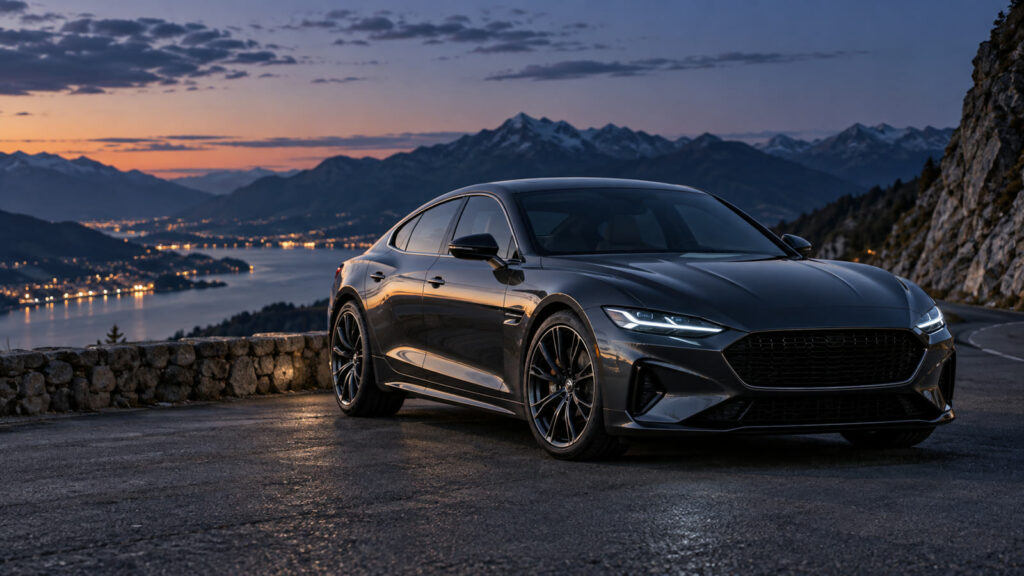
Car advertising prompts can turn a broad idea into a useful visual brief when the audience, output size, and success criteria are explicit. A car campaign image needs to be memorable while showing a vehicle that matches the real model. These prompts cover a studio launch, a family road trip, a premium detail, an EV charging moment and a local dealership. They keep performance and safety claims out of the artwork until verified.
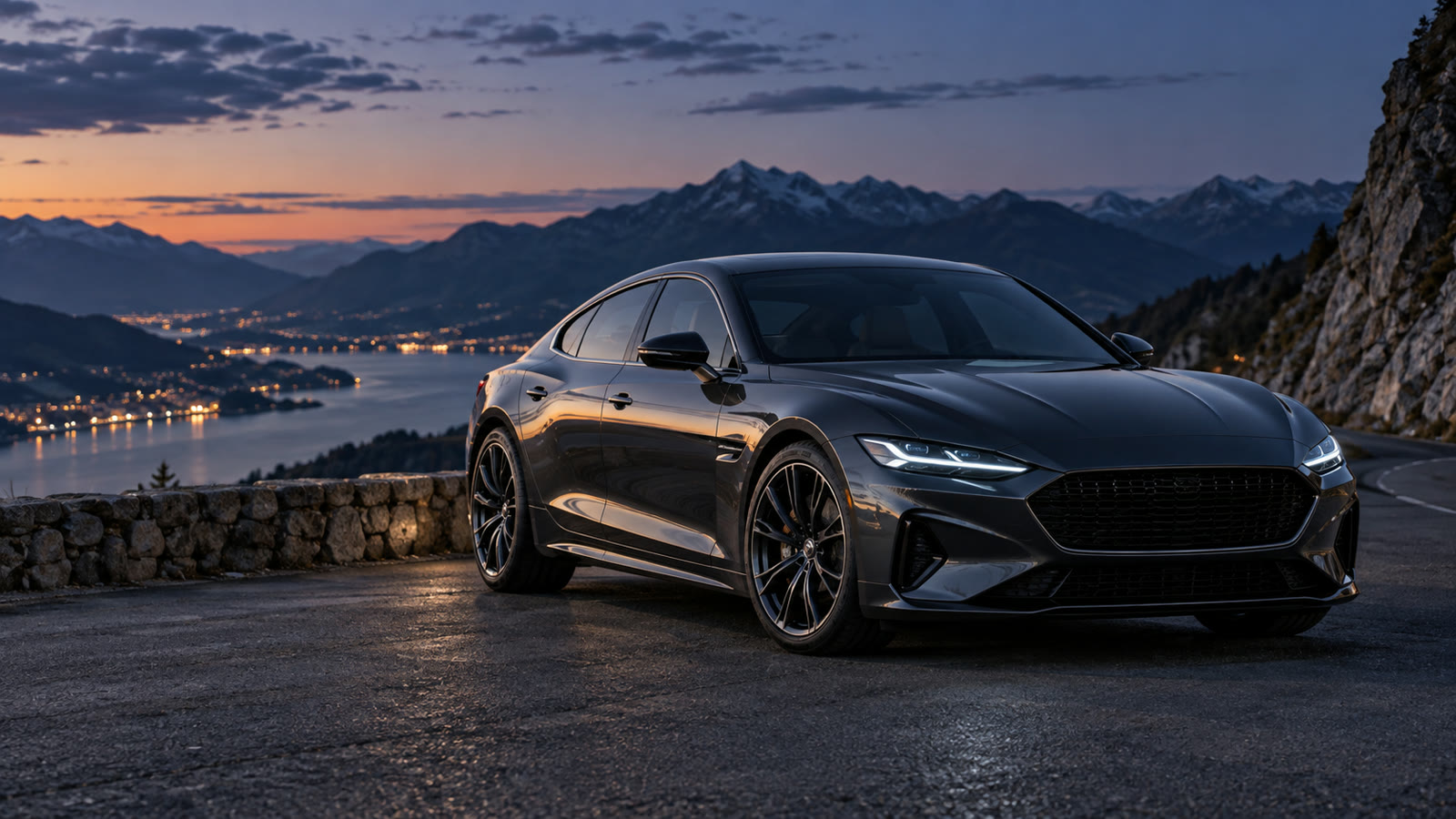
Build a clear automotive campaign brief
Start with approved vehicle photos or specifications, the campaign audience and channel. Specify the exact model appearance, wheel design, color and trim. Pick a location that supports the message without implying unsafe driving. Define the crop and copy space, and keep price, finance terms and feature claims editable.
Before generating, decide where the result will appear. Specify the aspect ratio, how much space should remain for edited text, the intended audience, and any brand or personal details that must stay consistent. Keep typography outside the generated image when exact spelling matters. Save the source prompt and compare several outputs at the final viewing size.
Five Car advertising prompts to adapt
1. Studio reveal
Create a premium static advertising concept of the approved unbranded sedan in a dark studio with a narrow softbox reflection tracing its side. Keep body shape, lights, wheels and paint color identical to reference. Wide hero crop with clear left-side copy space. Vehicle parked, realistic shadow, no badge, price, fake feature icon or generated words.
2. Family weekend scene
Photograph the approved family crossover parked at a scenic trailhead in early morning. Show believable luggage near the open rear hatch and a safe, quiet environment. The vehicle remains primary, with true trim and tire details from reference. Square social crop and optional wide crop. No motion blur implying risky driving, no invented capacity claim.
3. Premium cabin detail
Create a close automotive advertising image of the approved seat material, dashboard edge and steering control layout under warm evening light. Use realistic reflections and preserve real stitching and display placement. Editorial product photography, vertical 4:5 crop with clear text space. Do not invent screens, materials, logos or safety statements.
4. EV charging moment
Show the approved electric vehicle safely parked at a generic public charging bay on a clear winter morning. Cable connection should look plausible and visible, but avoid specific charging-network branding. Wide commercial crop with room for verified range or charging copy to add later. No invented kilowatt figure, fake display text or guaranteed charging claim.
5. Local dealership banner
Create a credible local dealer website banner showing three approved vehicle images in a clean showroom with consistent scale and lighting. Leave right-side area for real inventory and contact CTA. Keep model variants distinct and true to reference photos. No synthetic customer endorsement, fake sale badge or made-up price.
How to refine Car advertising prompts
Before a campaign goes live, compare the visual pixel by pixel with the approved vehicle reference. AI can change lamps, grille, wheels or body lines subtly. If product fidelity is poor, use a real vehicle photograph and limit AI to background mood or composition planning.
For a second pass, change one variable at a time: lighting, camera angle, color range, character gesture, or layout. This makes comparisons meaningful. If the image will support an offer, add the real copy and logo in a layout editor after the visual is approved. Never let a model invent product claims, prices, dates, or customer testimonials.
Quality and publishing checklist
Review driving and parking context, model accuracy, paint color, trim, wheel count and reflections. Confirm that environmental claims, pricing, safety ratings and finance terms come from approved source documents. Test the crop on the actual ad platform and landing page so visual and offer remain consistent.
Inspect the output at the dimensions used on the final page or device. Look for inconsistent anatomy, repeated objects, broken perspective, unreadable small details, and a focal point hidden by the crop. Write descriptive alt text for informative web images; the W3C image tutorial offers a useful decision guide. Explore the prompt catalog and more practical articles for related workflows.
Frequently asked questions
Can I use an AI-generated car that resembles a real model?
For a specific advertised vehicle, use approved reference photography and verify every visible detail.
Should the scene show the car moving fast?
A safe static setting often communicates the design more clearly and avoids implying dangerous behavior.