

Automotive Website Design Prompts for Inventory and Leads
Automotive website design prompts for original automotive website projects. Five adaptable examples with production checks and practical next steps.
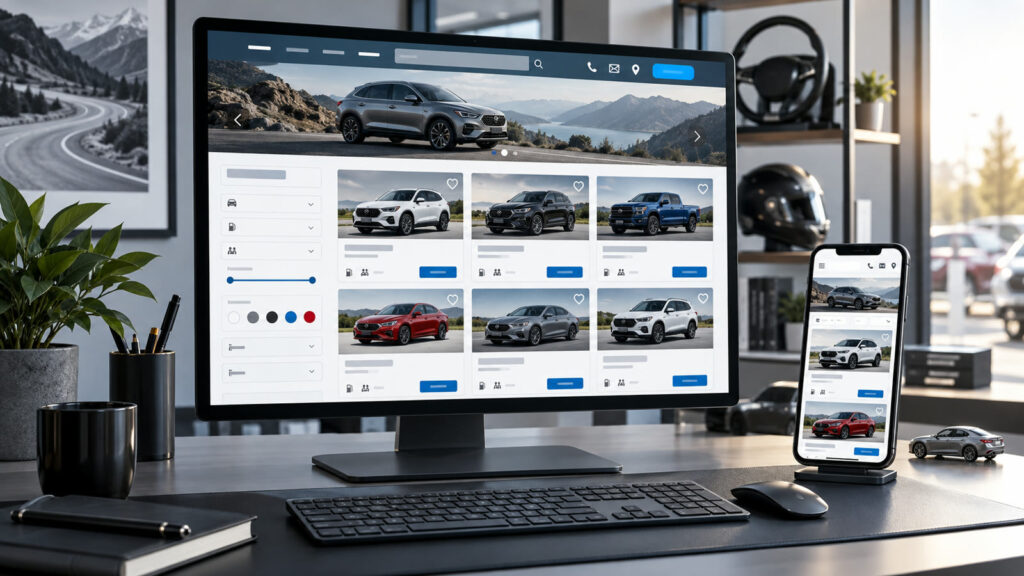
Automotive website design prompts can turn a broad idea into a useful visual brief when the audience, output size, and success criteria are explicit. A car website must help shoppers compare real inventory and contact a dealer without friction. AI can produce layout options, navigation ideas and usability test plans. The examples here cover inventory, vehicle detail, service booking, electric models and local dealership trust.
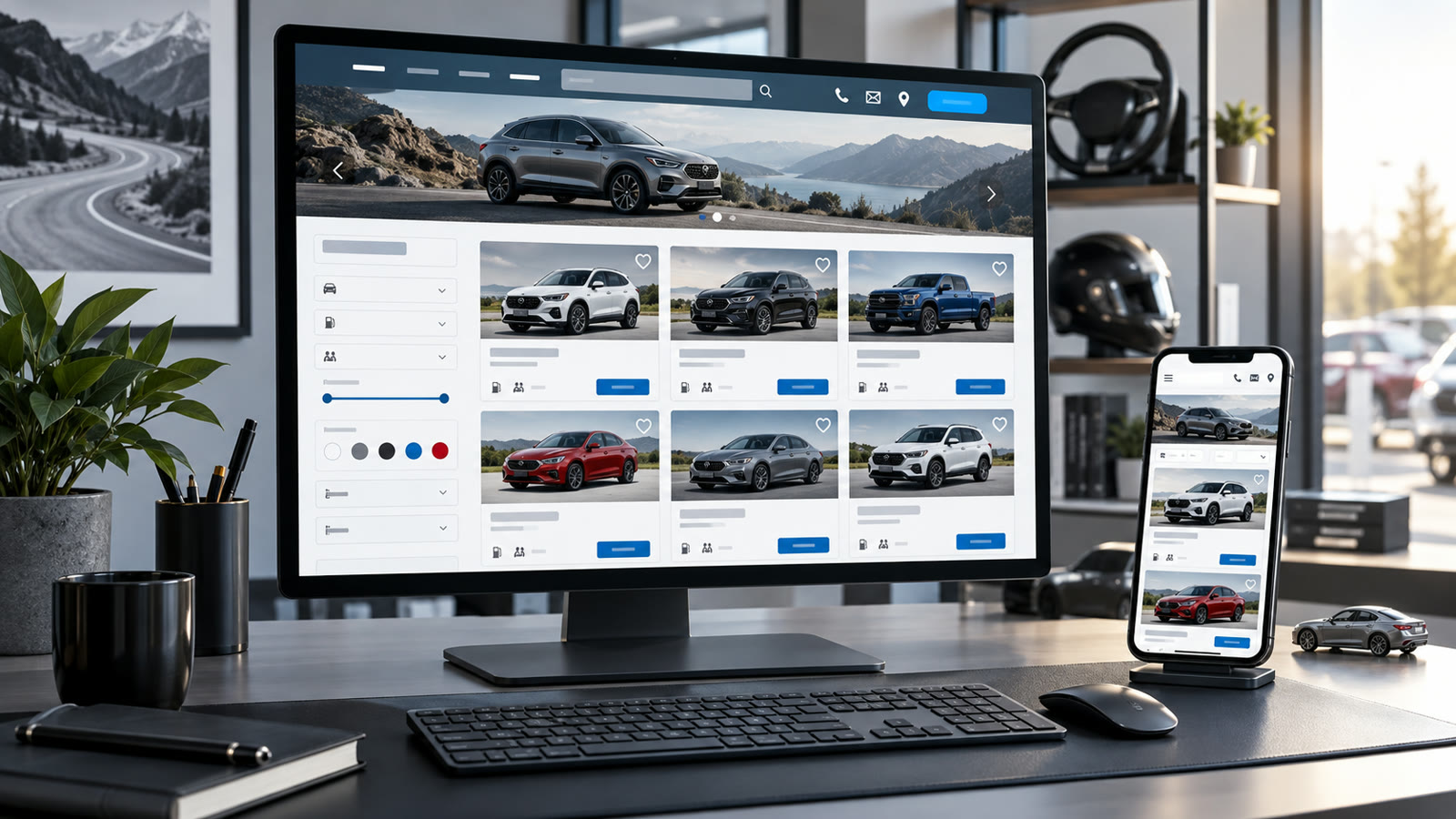
Build a clear automotive website brief
Define the visitor’s main decision, available inventory fields, location and the action you want next. Keep vehicle prices, availability and financing terms connected to real data, not a static AI mockup. Ask for mobile and desktop page order, accessible filters, clear contact controls and a path back to search results.
Before generating, decide where the result will appear. Specify the aspect ratio, how much space should remain for edited text, the intended audience, and any brand or personal details that must stay consistent. Keep typography outside the generated image when exact spelling matters. Save the source prompt and compare several outputs at the final viewing size.
Five Automotive website design prompts to adapt
1. Inventory search page
Design an automotive inventory page for a local dealership with filters for price, body type, fuel type and availability. Show one clear vehicle card format with real photo, key verified facts and a visible view-details action. Produce desktop and phone wireframes, keyboard-friendly filters and an empty-state message. Do not invent vehicles or prices.
2. Vehicle detail page
Plan a car detail page that leads with approved photos, exact model and trim, price conditions, key specifications, location and contact CTA. Include image gallery controls, comparison links and an honest availability note. Prioritize a mobile layout that keeps the next action visible without covering content. Mark all data fields as live and verified.
3. Service booking flow
Create a service-booking website flow for a small auto workshop. Let a visitor pick a service, preferred date and contact method, then review details before sending. Show error states, confirmation and accessibility labels. Avoid promising instant appointment availability unless integrated with the real schedule. Provide a simple mobile-first wireframe.
4. Electric model education
Sketch an EV model information page that separates verified vehicle specifications from general charging education. Use plain explanations, clear range assumptions and a route to ask a specialist. Include a mobile comparison table with accessible labels. Do not claim a fixed real-world range or charging time without a qualified source.
5. Trust-focused dealership home
Plan a local dealership homepage with a real inventory search, hours, location, service link and transparent contact options above decorative storytelling. Use authentic showroom photos, concise proof and one primary CTA. Design a desktop and phone version, with readable contrast and fast image loading. No fabricated ratings or testimonials.
How to refine Automotive website design prompts
Test tasks with real shoppers: find a vehicle under a budget, compare two models, book service and locate the store. Observe where they hesitate. Revise filters, labels and CTA placement before polishing visuals. Generated mockups often hide complex states, so write those states into the brief explicitly.
For a second pass, change one variable at a time: lighting, camera angle, color range, character gesture, or layout. This makes comparisons meaningful. If the image will support an offer, add the real copy and logo in a layout editor after the visual is approved. Never let a model invent product claims, prices, dates, or customer testimonials.
Quality and publishing checklist
Confirm that price, inventory and contact details update from trusted systems. Test filter combinations, keyboard use, form errors and mobile image loading. Ensure the site never presents a generated car visual as the actual listing photo. Keep financing disclosures and terms visible where required.
Inspect the output at the dimensions used on the final page or device. Look for inconsistent anatomy, repeated objects, broken perspective, unreadable small details, and a focal point hidden by the crop. Write descriptive alt text for informative web images; the W3C image tutorial offers a useful decision guide. Explore the prompt catalog and more practical articles for related workflows.
Frequently asked questions
Can AI build the entire dealer website from one prompt?
It can suggest structure and visuals, but live inventory, forms and legal terms need real implementation and testing.
What should the first screen show?
A clear search or next action plus the dealership identity and essential trust information.