

Reflective Product Photography Lighting Troubleshooting Plan
Diagnose unwanted reflections, gradients, hotspots, and color contamination before rebuilding a reflective product lighting setup.
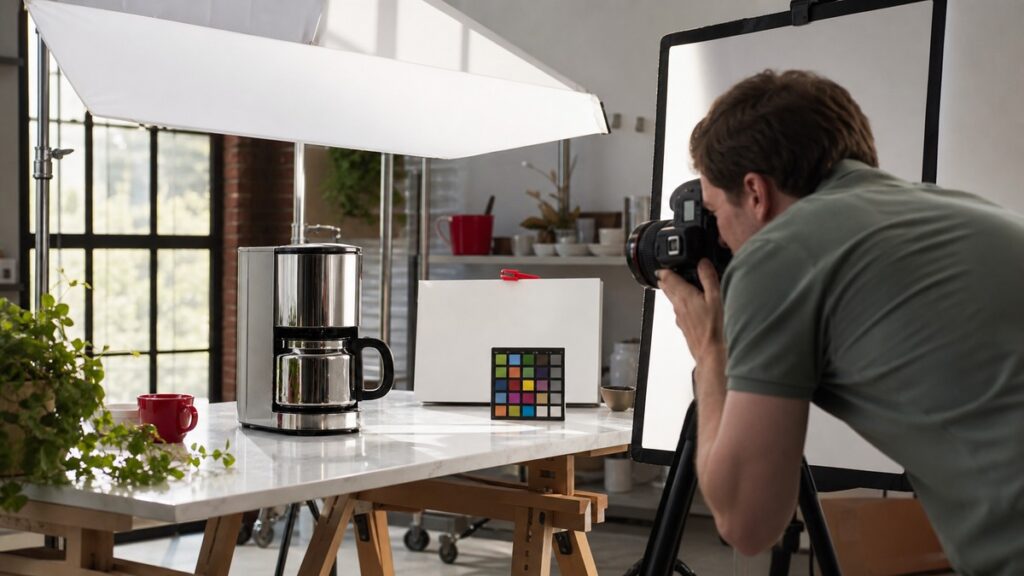
PROMPT GUIDE / PHOTOGRAPHY
Diagnose unwanted reflections, gradients, hotspots, and color contamination before rebuilding a reflective product lighting setup.
READY-TO-USE PROMPT
Reflective Product Photography Lighting Troubleshooting Plan
COPY THIS PROMPT
Act as a senior commercial product photographer and lighting technician.

GOAL
Create a controlled lighting diagnosis and shot plan for [PRODUCT] using [CAMERA], [LENS], [LIGHTS], and [AVAILABLE MODIFIERS].

INPUTS
- Product material, finish, dimensions, and required views
- Current setup diagram and sample image observations
- Brand mood, background, crop, and delivery specifications
- Room constraints, time, crew, and retouching limits

WORKFLOW
1. Classify each visible defect and name its likely optical cause
2. Map what the product reflects from every required camera angle
3. Design a minimum-change test sequence for light size, angle, distance, flags, diffusion, and polarization
4. Specify exposure, focus, color, and bracketing controls
5. Create a shot checklist and retouching boundary

REQUIREMENTS
- Separate confirmed facts, assumptions, and missing information.
- Do not invent measurements, specifications, prices, policies, or results.
- Make every recommendation specific, testable, and prioritized.
- Identify risks, dependencies, edge cases, and a practical fallback.
- Ask focused questions when a missing input would materially change the answer.

DELIVERABLE
Return a defect table, prioritized test sequence, setup diagram in words, capture settings checklist, and acceptance criteria for the final image.
What this prompt helps you produce
- A faster diagnosis instead of random light movement
- A repeatable setup for every required angle
- Clear boundaries between capture fixes and retouching
How to use it
- Replace every bracketed input with real project information.
- Attach representative examples and constraints when available.
- Review assumptions before acting on recommendations.
- Run the proposed checks on a small sample, record results, then revise.
Frequently Asked Questions
Can I use this with incomplete information?
Yes. Leave unknown fields clearly marked. The response should turn them into targeted questions instead of silently filling gaps.
Should I accept the first result?
No. Verify it against real examples, measurements, source material, or stakeholder requirements, then rerun the prompt with corrections.
Which AI model should I use?
Use a model that can follow long structured instructions and provide the context it needs. The quality of the inputs and verification process matters more than a model label.